


Find out who unfollowed you on Instagram: Smart 2025 Guide
Why Instagram Unfollowers Matter for Your Growth
Find out who unfollowed you on instagram using these proven methods:
- Manual Method (100% Safe & Free): Download your Instagram data and use a text comparison tool to identify unfollowers.
- Third-Party Tools: Use compliant apps that don’t require your password and follow Instagram’s Terms of Service.
- Regular Audits: Check your follower list weekly to spot patterns.
Quick Answer: Instagram doesn’t directly show who unfollowed you. You must either download your data and compare lists manually or use a trusted third-party tool that prioritizes account security.
Noticing your follower count drop is frustrating. But understanding who unfollows you isn’t about ego—it’s about data-driven growth. A sudden drop might signal that your recent posts missed the mark, while steady losses could mean your content has drifted from what your audience wants.
Why does it matter?
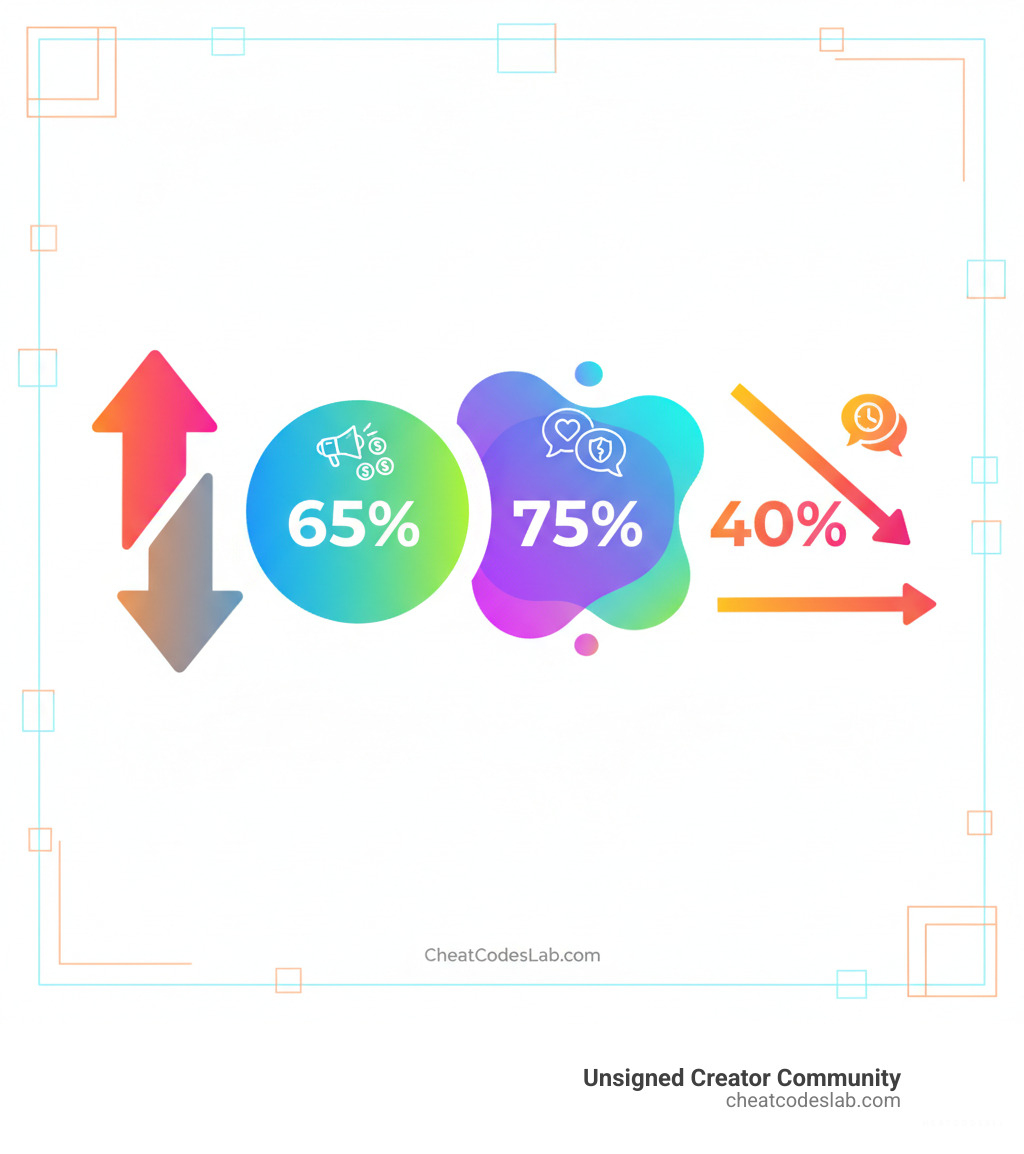
- 65% of users unfollow accounts due to excessive promotional content.
- 75% of millennials unfollow accounts that don’t align with their values.
- Brands that engage in timely responses see a 40% decrease in unfollows.
Instagram intentionally hides this information for user privacy, but you have options. Some are free and safe, while others use third-party tools that come with security risks. Knowing which method to use is key.
At CheatCodesLab and the UNSIGNED Creator Community, we’ve seen how tracking unfollowers—when done right—transforms creators from chasing vanity metrics to building engaged communities.
Similar topics to find out who unfollowed you on instagram:
How to Find Out Who Unfollowed You on Instagram: Safe & Smart Methods
Instagram hides its unfollower list, but you can still get the insights you need without putting your account at risk. The key is finding the answer safely, as many third-party apps can lead to security nightmares. At CheatCodesLab and the Unsigned Creator Community, we advocate for methods that protect your account.
The Manual Method: How to Find Out Who Unfollowed You on Instagram for Free
If security is your top priority, the manual method is your best option. It’s 100% free, uses no third-party apps, and keeps your login credentials safe. The only cost is your time.
Here’s how to do it:
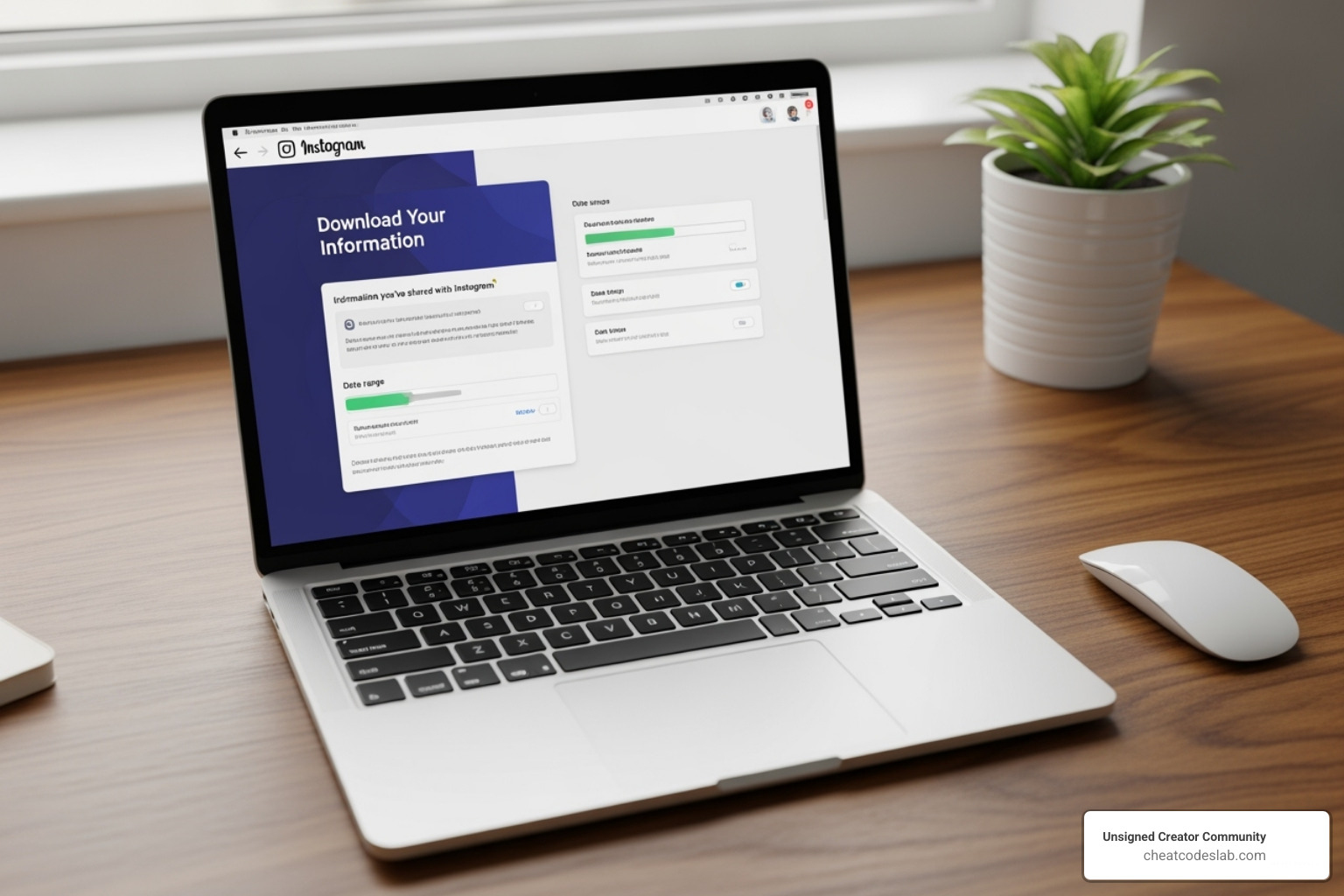
- Request Your Data: Go to Instagram’s “Settings and privacy” > “Your information and permissions” > “Download your information.” To save time, select only “Followers and following.”
- Choose Your Settings: Select the JSON format and “All time” for the date range. Instagram will email you a download link within 48-72 hours. For more help, see Instagram’s guide on how to Download your Instagram data.
- Extract the Files: Unzip the downloaded folder and find the
followers.jsonandfollowing.jsonfiles inside the “connections” folder. - Compare the Lists: Use a free text comparison tool like ListDiff.com. Copy the contents of
following.jsoninto “List A” andfollowers.jsoninto “List B.” - Find the Difference: Click “Compare Lists.” The accounts shown in “Only in List A” are those you follow who don’t follow you back. To find who unfollowed you, you’ll need to compare your current follower list to a previously saved one.
This method is completely secure because your password is never shared and your data remains private.
Using Unsigned Creator Community Tools: A Guide to Safe Follower Insights
The manual method is safe but slow. While many third-party apps promise quick insights, they often require your Instagram password, which is a major security risk that can lead to account bans or hacking. Never use a tool that asks for your login credentials.
Our approach at Unsigned Creator Community is different. We built our tools to work with Instagram’s official data download process, not against it. We automate the analysis, but we never ask for your Instagram password.
Here’s how our safe approach works:
- Download your Instagram data (
followers.jsonandfollowing.jsonfiles) just as you would in the manual method. - Upload only these files to our secure platform. Your account is never accessed directly.
- Get instant insights. Our tools automatically identify unfollowers, non-followers, and mutuals, saving you time and effort.
This process is fully compliant with Instagram’s terms of service because we analyze the data you provide, not scrape live information. Your privacy is protected, and your account remains secure.
Here’s how the different approaches compare:
| Feature | Manual Method | Risky Third-Party Apps | Unsigned Creator Community Tools |
|---|---|---|---|
| Safety | 100% Safe (no login, local processing) | High risk (login required, potential bans/hacks) | 100% Safe (no login, secure data processing) |
| Cost | Free (your time is the cost) | Often free with limited features, paid premium | Free basic insights, advanced features may vary |
| Speed | Slow (manual download, copy, paste, compare) | Fast (if they work and are safe) | Fast (automated analysis of your data) |
| Features | Basic unfollower identification | Unfollowers, non-followers, ghost followers, etc. | Unfollowers, non-followers, analytics, etc. |
| Password Use | Never | Always required (major risk) | Never |
| Data Privacy | Fully controlled by you | Often questionable (data sent to their servers) | Fully controlled by you (secure processing) |
When choosing a tool to find out who unfollowed you on instagram, always prioritize those that don’t require your password.
For deeper insights into managing your Instagram effectively, explore our resources on Instagram Features.
Unfollower vs. Not Following Back: Understanding the Difference
It’s easy to confuse an “unfollower” with someone who “doesn’t follow you back,” but the distinction is crucial for your strategy.
- An unfollower is a former follower. They were part of your audience and chose to leave. A spike in unfollowers can signal a problem with your content strategy.
- Someone who doesn’t follow you back is an account you follow that never followed you in the first place. This is normal when following brands, celebrities, or inspirational accounts.
Why does this matter? Analyzing unfollowers provides direct feedback on your content and audience retention. Identifying non-followers is more about cleaning up your own feed and managing your follow-back ratio, which is important for networking.
Understanding this difference helps you focus your energy on what matters most: building an engaged community.
For more guidance on managing your audience relationships, check out our comprehensive guide on Instagram Followers.
What to Do After You Find Out Who Unfollowed You on Instagram
You have the data. Now it’s time to turn it into action.

- Analyze Patterns: Look at who unfollowed and when. Did a drop happen after a specific post or a change in your content? If 65% of users leave due to promotions, a loss after a salesy post is valuable feedback.
- Audit Your Content: Use unfollows as a signal to evaluate your strategy. Are you posting too erratically? Has your content strayed from your niche? Be honest about what might be pushing people away.
- Don’t Chase Unfollowers: Directly asking “Why did you unfollow?” often appears needy. Instead, focus your energy on improving your content for your current audience.
- Unfollow Back Strategically: If an unfollower is no longer relevant to your interests, unfollowing them back can help clean up your feed and maintain a healthy follower-to-following ratio.
- Focus on Your Loyal Community: The most important step is to nurture the followers who stick around. Engage with comments, respond to DMs, and create content for your dedicated supporters. Timely engagement can reduce unfollows by 40%.
A follower loss is an opportunity to refine your strategy and make room for the right audience.
Our Instagram Growth Tracker can help you monitor these dynamics over time for a complete picture of your account’s health.
From Tracking to Thriving: A Creator’s Guide to Follower Retention
Once you find out who unfollowed you on instagram, the goal isn’t to obsess over lost numbers. It’s to use that knowledge to build a stronger community. At Unsigned Creator Community, we help you shift from chasing metrics to building meaningful connections.
Why Do People Unfollow? Turning Insights into Action
Understanding why people unfollow is the first step to preventing it. Here are the most common reasons and how to address them:
- Excessive Promotions: 65% of users unfollow accounts that are too salesy. Solution: Use the 80/20 rule—80% value-driven content (helpful, entertaining, inspiring) and 20% promotional.
- Misaligned Values or Content: 75% of millennials leave when content clashes with their values or changes drastically. Solution: If you pivot, bring your audience along. Explain your reasoning and evolve gradually.
- Inconsistent Posting: Irregular posting can cause followers to forget you or feel overwhelmed. Solution: Find a consistent, realistic schedule. Quality over quantity is key.
- Lack of Engagement: Ignoring comments and DMs makes your account feel impersonal. Solution: Respond to your community. Timely engagement can decrease unfollows by 40%.
- Low-Quality or Repetitive Content: Boring content will drive your audience away. Solution: Invest in high-quality visuals and storytelling. Experiment with formats like Reels and Carousels. Get fresh ideas with our guide to Content Ideas for Reels.
Our AI Tools for Instagram can help you analyze content performance and optimize your schedule.
Conclusion: Build a Community, Not Just a Follower Count
Learning to find out who unfollowed you on instagram is about understanding your audience, not dwelling on losses. The most successful creators build engaged, loyal communities.
This guide showed you safe methods to track unfollowers and turn that data into actionable improvements. Every unfollow is feedback—an opportunity to refine your content, boost your engagement, and stay authentic.
Key Takeaways:
- Protect Your Account: Never give your password to a third-party app. Your security is paramount.
- Analyze and Adapt: Use unfollow data to identify weaknesses in your content strategy and make improvements.
- Nurture Your Community: Focus on providing value and engaging with the followers who support you.
Building a thriving Instagram presence takes time. Focus on creating content that serves your community, and you’ll attract and retain the right followers.
Ready to master one of Instagram’s most powerful growth tools? Dive into our guide on Best Practices Instagram Reels.


About the author

How to Archive Posts on Instagram in 4 Easy Steps
Master archiving on Instagram in 4 easy steps to organize your profile and protect your content.

Beginner’s Guide to 10k free instagram followers app
Discover how a 10k free instagram followers app works, its risks, and safe organic growth strategies for real engagement in 2026.
Beginner’s Guide to Best Instagram Report App
Discover the best Instagram report app for real-time analytics, automated reports, and data-driven decisions in 2026.
How to Master Advanced SEO Search Techniques in 7 Steps
Master advanced search techniques in SEO with 7 proven steps to boost rankings, technical audits, and organic traffic.

Cheat Sheet to the Best Business Apps
Discover the best business apps to streamline operations, boost productivity, and scale your business in 2026.

How to Get Instagram Followers Free APK in 5 Steps
Discover how instagram followers free apk 2026 download works and learn safe organic growth strategies instead of risky third-party tools.
Related

How to Add Swipe Up to Instagram Story Fast by Using Linktree
Learn how to add swipe up to Instagram Story fast using Linktree and link stickers without needing 10k followers.
Stop the Scroll with the Best Instagram Growth Service Reviews
Discover the Best Instagram growth service in 2026: organic, human-powered strategies, AI targeting, safety tips & reviews to boost followers fast.
Carousel App for Instagram: Which One Should You Choose?
Find the best carousel app for Instagram! Compare features, AI vs. manual, and customization to elevate your content strategy.

From Zero to Hero: Apps That Actually Boost Your Instagram Following
Discover the best app to boost Instagram followers! Learn how AI, analytics, and safe strategies can skyrocket your growth from zero to hero.

Fixing the Web, One Broken Link at a Time with Ahrefs
Boost SEO with expert ahrefs broken link building. Learn to find, vet, and earn high-quality backlinks using Ahrefs' powerful tools.

Unlock Thousands of Instagram Followers with bigtakip.com Your Secret Weapon
Explore bigtakip com followers & their risks. Discover why organic growth builds real, lasting Instagram success. Choose wisely.
