



Add Audio to Instagram Story: 3 Best Ways
Why Audio is a Game-Changer for Your Stories
Instagram Stories are viewed by more than 500 million users each day. With such a massive audience scrolling quickly, you need a way to stand out. Audio is the answer. Music and sound grab attention, create emotional connections, and can keep viewers watching longer.
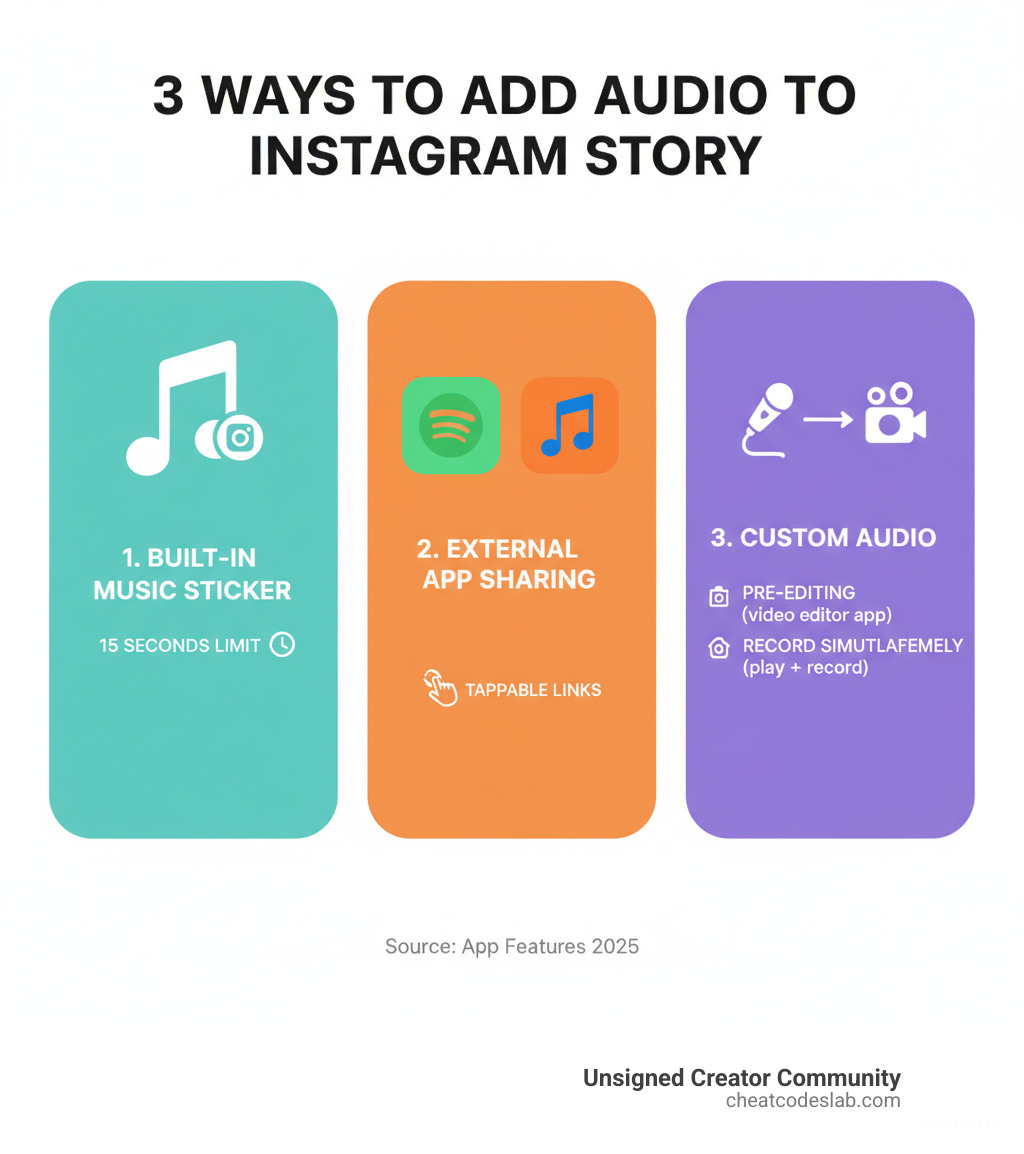
This guide will show you how to add audio to instagram story content using three proven methods:
- Instagram’s Music Library: Tap the sticker icon, select Music, and choose a song.
- Share from Streaming Apps: Use the share button in apps like Spotify or Apple Music to create a tappable Story link.
- Add Custom Audio: Play audio while recording or pre-edit your video with a third-party app.
We’ll cover the exact steps for each approach, explain limitations for business accounts, and share best practices to maximize engagement. Adding audio to your Instagram Stories is simple, and even with custom audio or regional restrictions, there are workarounds that take just minutes.
Basic add audio to instagram story vocab:
How to Add Audio to an Instagram Story: A Step-by-Step Guide
There are three main ways to add audio to instagram story content, each suited for different goals. Here’s how to use Instagram’s music library, share from streaming services, or add your own original sound.
Using Instagram’s Built-in Music Library
This is the fastest method. Instagram’s library is stocked with thousands of popular tracks.
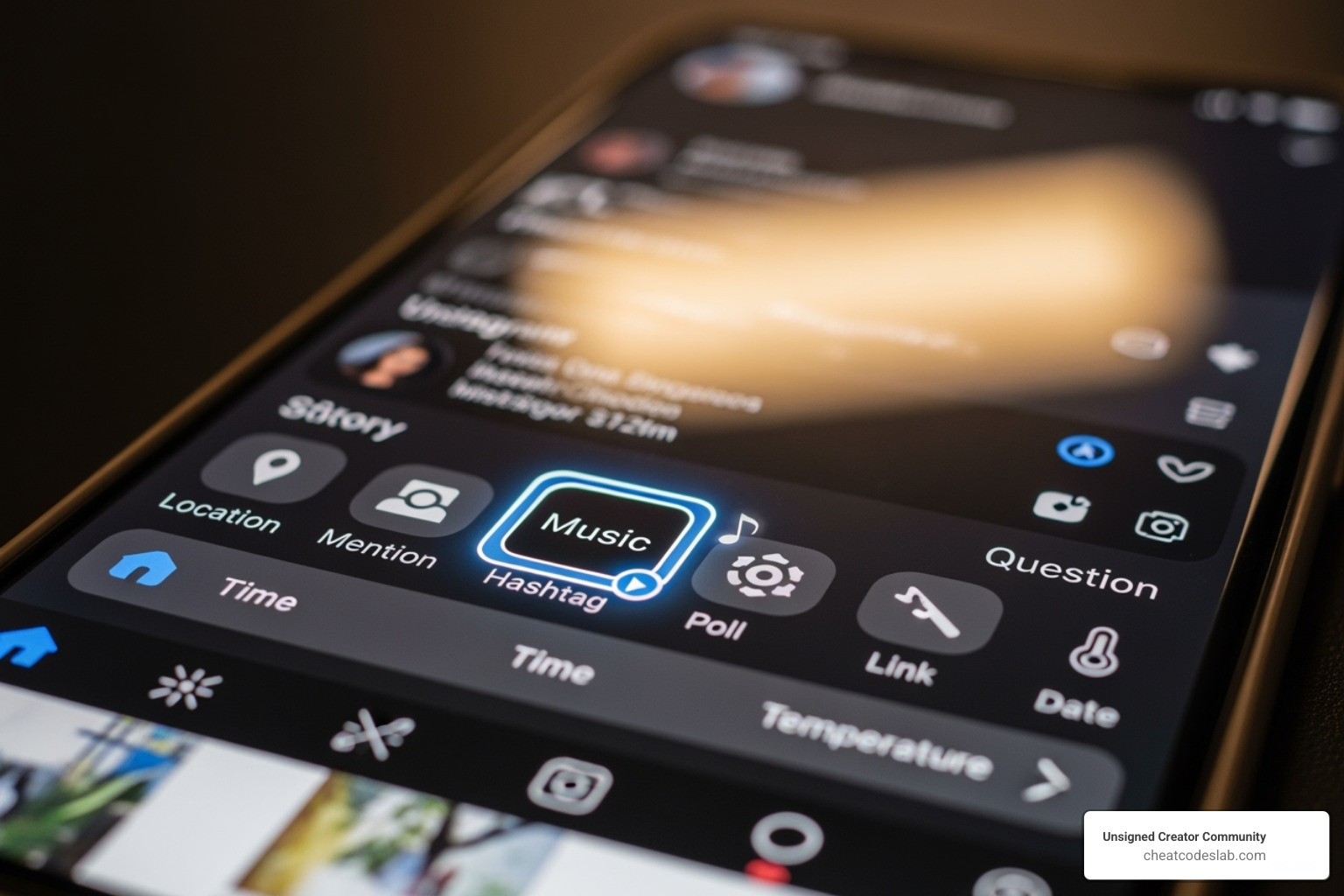
- Open the Story camera, take a photo/video, or upload from your gallery.
- Tap the square sticker icon at the top of the screen.
- Select the Music sticker. You can browse trending songs, search for a specific track, or check the “For You” tab.
- Once you choose a song, use the slider to select a 15-second clip.
- Customize the sticker’s appearance (album art, text, or animated lyrics).
- Tap “Done,” position the sticker, and share your Story.
For more on native features, see our guide on Instagram Features.
How to add audio to an Instagram story from Spotify & Apple Music
This method is ideal for directing followers to a full song or podcast on a streaming platform.
- Open Spotify or Apple Music and find the song you want to share.
- Tap the share button (usually three dots or an arrow icon).
- Select “Instagram Stories” from the sharing options.
- Instagram will open a new Story draft with the track’s album art.
This creates a tappable link that directs viewers to the song in the respective app; the audio does not play directly in the Story. You can still customize the Story with text, GIFs, and other stickers before posting.
How to add your own original audio to an Instagram story
For unique voiceovers or custom music, you have two main options, as Instagram lacks a direct audio upload feature.
1. Play While Recording:
This is a quick workaround. Simply play your custom audio from another device (or your phone) while you record your video in the Instagram Story camera. Your phone’s microphone will capture both the video and the background audio. The quality may not be perfect, but it works for casual content.
2. Pre-edit Your Video:
For higher quality, merge your audio and video before uploading.
- Record your audio (voiceover, music) separately in a quiet environment.
- Use a video editing app on your mobile device or computer to combine your video clip or image with your audio file.
- In the editor, you can synchronize the audio and visuals, adjust volume levels, and trim the clips.
- Export the final video and upload it to your Instagram Story from your phone’s gallery.
This method gives you complete creative control and bypasses the 15-second music sticker limit. For more on powerful editing tools, explore our guides on the Best Tools for Reels and AI Tools for Instagram.
Mastering Your Story’s Soundtrack: Best Practices & Limitations
Knowing how to add audio to instagram story is the first step. Doing it well is what drives engagement. Let’s cover how to optimize your audio choices and steer Instagram’s rules.
Customizing the Music Sticker and Lyrics
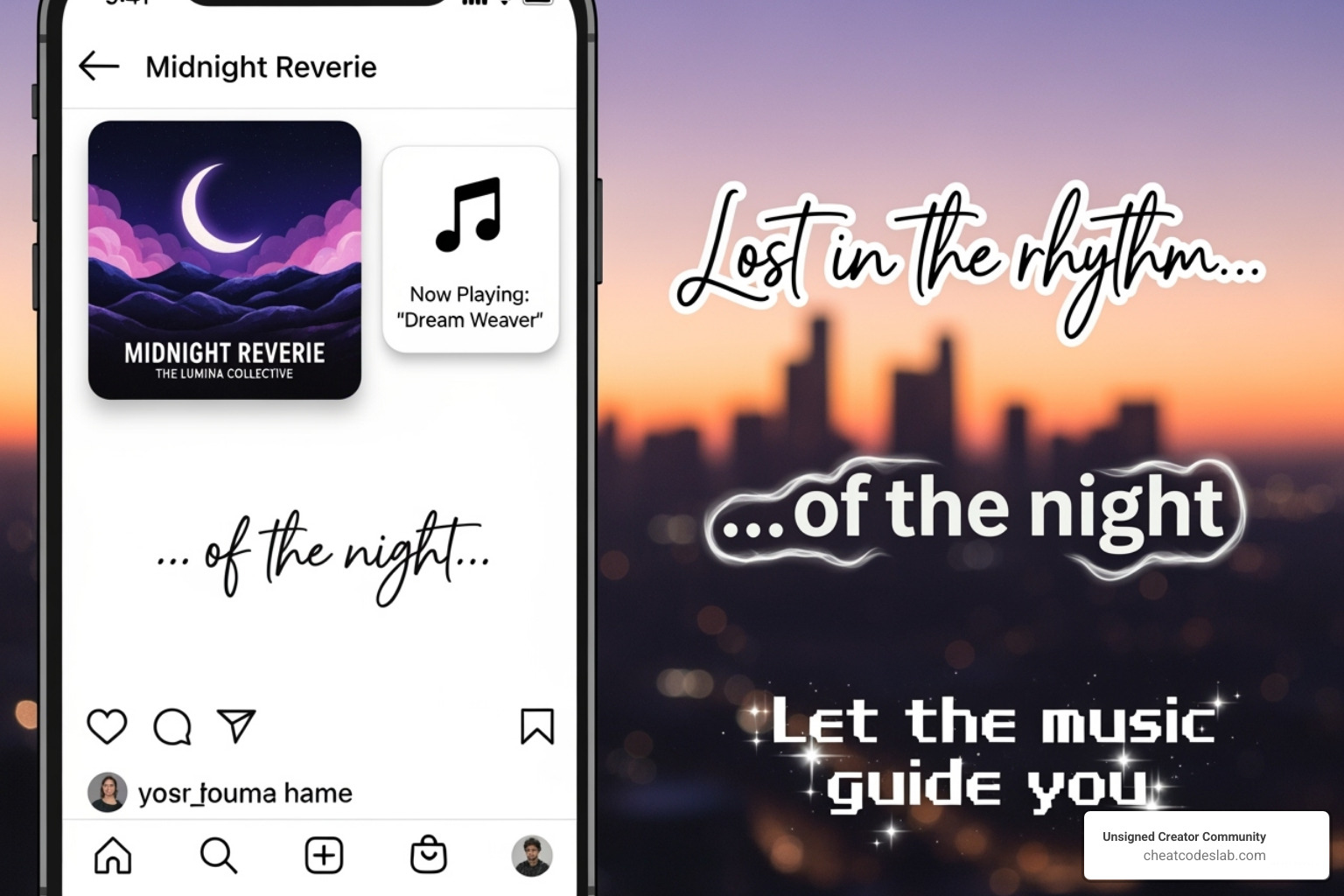
The music sticker is a visual element. After selecting your clip, tap the sticker to cycle through display options: album art, a simple text sticker, or animated lyrics. If you choose lyrics, you can tap them to change font styles and colors to match your brand’s aesthetic. Like any sticker, you can pinch to resize it and drag to position it. For a minimalist look, you can even shrink the sticker and hide it in a corner or partially off-screen.
For more on using text elements, our guide on Closed Caption Instagram has useful tips.
The Benefits of Adding Music to Stories
Music is a powerful engagement tool. Here’s why it’s worth the effort:
- Grabs Attention: In a fast-moving feed, audio makes users stop and listen.
- Increases Watch Time: A good soundtrack can keep viewers engaged for the entire Story.
- Conveys Emotion: Music sets the mood instantly, making your content more impactful.
- Builds Brand Identity: Consistent audio choices create a recognizable sonic signature for your brand. Learn more in our Personal Branding Content Creator guide.
It’s a psychological fact that music makes us happy, and tapping into this can create a stronger connection with your audience.
Understanding Music Limitations and Restrictions
Be aware of these rules to avoid issues:
- Business vs. Creator Accounts: Due to Instagram’s licensing agreements, Business accounts have a limited library of royalty-free music. Creator and Personal accounts have access to the full library of popular songs.
- Regional Availability: The music sticker is not available in all countries. If you can’t find it, this is likely the reason. The pre-editing method is a reliable workaround.
- Copyright: Avoid using copyrighted music without permission, as Instagram may mute or remove your content. Stick to the licensed library or royalty-free sources.
- Audio Length: Music clips in Stories are limited to 15 seconds, while Reels allow up to 90 seconds.
For more tools to steer platform rules, explore our CreatorApps section.
Advanced Techniques and Third-Party Tools
When Instagram’s native features aren’t enough, third-party tools offer greater control and customization for your Story’s audio.
Leveraging Video Editing Apps for Greater Control
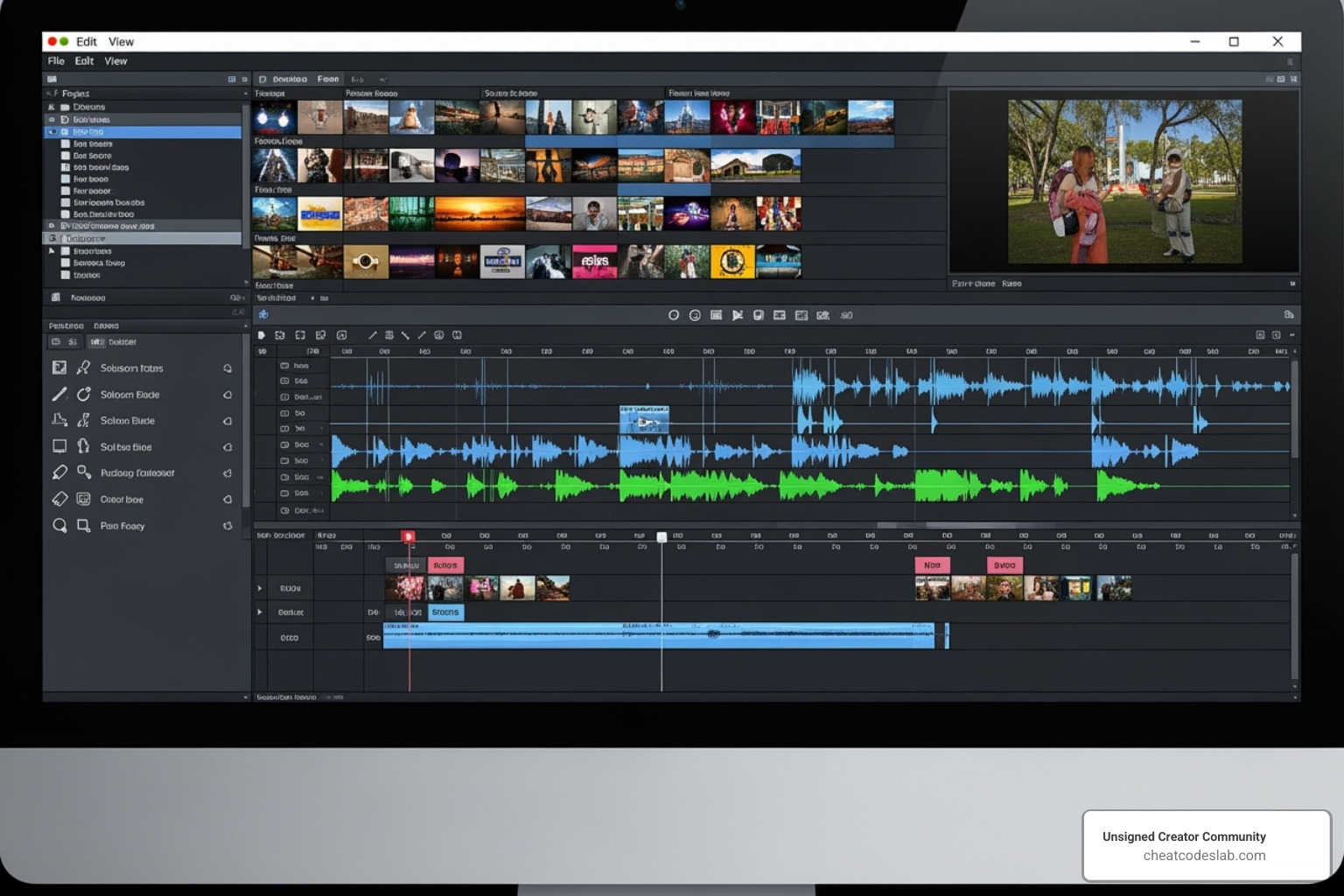
Video editing apps are essential when you want to add audio to instagram story with professional polish. They allow you to move beyond Instagram’s basic editor.
With these apps, you can:
- Combine multiple audio tracks, such as layering background music under a voiceover.
- Precisely time audio cues to sync perfectly with your video.
- Apply advanced audio effects like fades and volume adjustments.
Use mobile or desktop video editors to import your video clips and audio files. Layer your tracks, adjust volumes, and fine-tune the timing. Many apps also offer AI-powered tools to clean up background noise from recordings. Once finished, export the video as an MP4 and upload it directly to your Instagram Story.
Adding Your Own Music to Instagram’s Library (for Musicians/Creators)
If you’re a musician or creator with original audio, you can get it into Instagram’s native music library for everyone to use.
To do this, you must work with a third-party music distribution service. These companies act as intermediaries, distributing your music to streaming platforms like Spotify and Apple Music, as well as social media libraries like Instagram’s.
Once your music is distributed, it becomes searchable in the Instagram music sticker. This allows you and other users to easily add your original tracks to Stories. It’s a powerful way to increase your music’s reach and potentially earn royalties.
Instagram Stories vs. Reels vs. Feed Posts: Audio Differences
Instagram’s different formats—Stories, Reels, and Feed Posts—each have unique audio rules. Understanding them helps you choose the right format for your content.
Instagram Stories Audio
Stories are ephemeral, 24-hour content. When you add audio to instagram story posts, music clips are limited to a 15-second maximum. This format is ideal for quick, engaging updates that feel personal and immediate. The music sticker is interactive and can be customized with lyrics or album art.
Instagram Reels Audio
Reels are short-form videos designed for findability and viral trends. They allow for much longer music clips, from 5 to 90 seconds. A key feature is that if you use your own sound, Instagram labels it as “Original Audio,” allowing other users to create Reels with it. This can create a viral loop and significantly boost your reach. The editing tools within Reels are also more robust than in Stories.
Instagram Feed Posts Audio
Feed posts are the permanent content on your profile. For video posts, the audio length is the same as Reels: 5 to 90 seconds. Feed posts are typically more polished and less trend-focused. A newer feature also allows you to add music to single photo posts, turning a static image into a more dynamic experience. If you use original audio in a public feed post, others can reuse it unless your account is set to private.
Choosing the right format depends on your goal: Stories for daily engagement, Reels for viral reach, and Feed posts for permanent brand content.
Best Practices for Choosing and Using Audio to Improve Engagement
Strategic audio choices can dramatically improve your Story’s performance. It’s not just about adding a song, but about crafting an experience that captivates your audience.
Matching Audio to Content and Audience
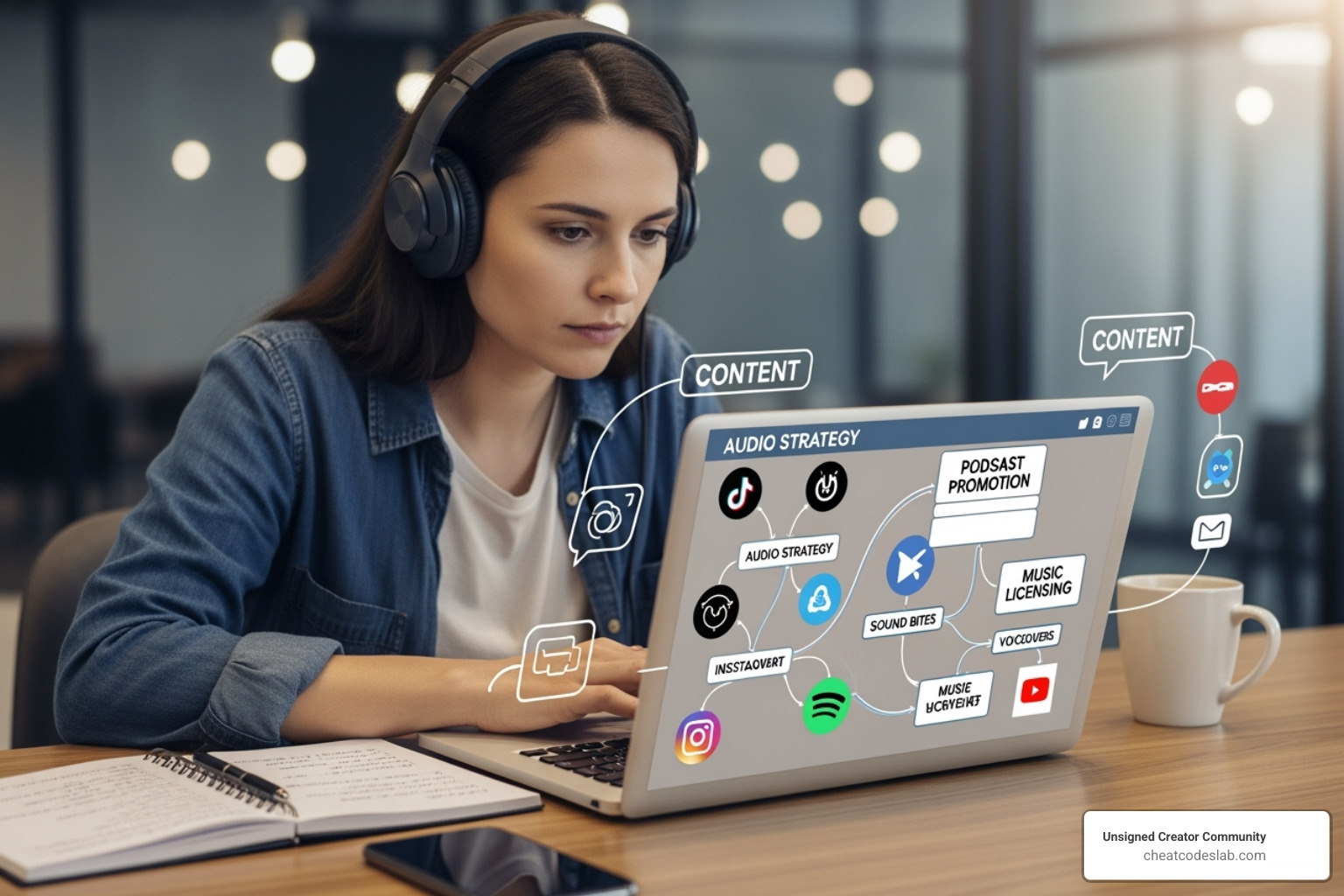
The golden rule when you add audio to instagram story is to ensure it fits the mood of your visual content. An upbeat track on a travel montage feels right; on a quiet sunset, it feels wrong. Understand your audience’s taste in music to create an instant connection. While trending sounds can boost reach, only use them if they align with your brand’s voice. For long-term recognition, consider developing a signature sound—a specific genre or audio cue that becomes associated with your content. Find more tips in our guide on Personal Branding Content Creator.
Optimizing for Impact and Retention
- Grab Attention Fast: The first few seconds are critical. Choose a music clip with a catchy hook to stop users from swiping away.
- Balance Your Volume: If using a voiceover with music, ensure your voice is clear and not drowned out by the background track.
- Design for Sound-Off Viewing: Many users watch Stories without sound. Always add captions or text overlays for key information. This improves accessibility and ensures your message lands.
- Preview Before Posting: Always watch your Story before sharing to check that audio levels and synchronization are correct.
- Analyze and Adapt: Use Instagram Insights to see which Stories perform best. Note which audio choices led to higher views and completion rates, and use that data to inform future content.
For more creative ideas, explore our Content Creation Hacks and Short Video Storytelling guides.
Conclusion: Amplify Your Storytelling
We’ve explored the essential methods to add audio to instagram story posts, from using Instagram’s music sticker to pre-editing with custom sound. The key takeaway is that audio is no longer optional—it’s a vital tool for grabbing attention, creating an emotional connection, and keeping your audience engaged.
With over 500 million people watching Stories daily, a well-chosen soundtrack can make your content stand out in a crowded feed. The tools and techniques are accessible, and even limitations like business account restrictions have simple workarounds.
Our advice is to start experimenting. Add a song to your next Story, try a voiceover, and see what resonates with your audience. Pay attention to your analytics and refine your approach. Over time, you’ll develop a sonic identity that strengthens your brand and turns casual viewers into loyal followers.
Ready to lift your content? Explore our full collection of resources at CreatorApps and turn up the volume on your storytelling.


About the author


How to Archive Posts on Instagram in 4 Easy Steps
Master archiving on Instagram in 4 easy steps to organize your profile and protect your content.

Beginner’s Guide to 10k free instagram followers app
Discover how a 10k free instagram followers app works, its risks, and safe organic growth strategies for real engagement in 2026.
Beginner’s Guide to Best Instagram Report App
Discover the best Instagram report app for real-time analytics, automated reports, and data-driven decisions in 2026.
How to Master Advanced SEO Search Techniques in 7 Steps
Master advanced search techniques in SEO with 7 proven steps to boost rankings, technical audits, and organic traffic.

Cheat Sheet to the Best Business Apps
Discover the best business apps to streamline operations, boost productivity, and scale your business in 2026.

How to Get Instagram Followers Free APK in 5 Steps
Discover how instagram followers free apk 2026 download works and learn safe organic growth strategies instead of risky third-party tools.
Related
How to Archive Posts on Instagram in 4 Easy Steps
Master archiving on Instagram in 4 easy steps to organize your profile and protect your content.

Beginner’s Guide to Best Search Engine Optimization SEO
Master best search engine optimization SEO with this beginner's guide covering on-page, technical, and AI strategies for higher rankings.

Ultimate Checklist for Social Media Marketing Agency
Discover the ultimate checklist for choosing a social media marketing agency that drives real ROI and growth.

Hot Summer Caption Ideas That Spark Engagement
Discover hot summer caption ideas that boost engagement, from short aesthetic lines to funny unhinged vibes and beach photo dumps.

How to Add Text to Instagram Story in 5 Easy Steps
Learn how to add text to Instagram Story in 5 easy steps with our native tips and creative text hacks for better engagement.

How to Add Audio to Instagram Story the Right Way
Learn how to add audio clip in Instagram Story using built-in music or your own file with this step-by-step guide.
