


How to hide followers on instagram: 3 Easy Methods
The Quest for Instagram Privacy
How to hide followers on instagram is a top privacy question for the platform’s 2 billion users. While there’s no single “hide followers” button, you can control who sees your connections through three main methods:
- Go Private: Make your account private so only approved followers can see your follower list.
- Block Specific Users: Prevent certain people from viewing your profile and followers.
- Remove Followers: Take people off your follower list without blocking them.
Many users want more control over their connections to avoid judgment, reduce social pressure, or maintain professional boundaries. Instagram can feel like a popularity contest, and managing follower visibility helps create a safer, more controlled environment for your brand and mental well-being.
I’m digitaljeff, and with 20 years in digital media, I’ve learned that knowing how to hide followers on instagram is crucial for maintaining personal boundaries and professional credibility.
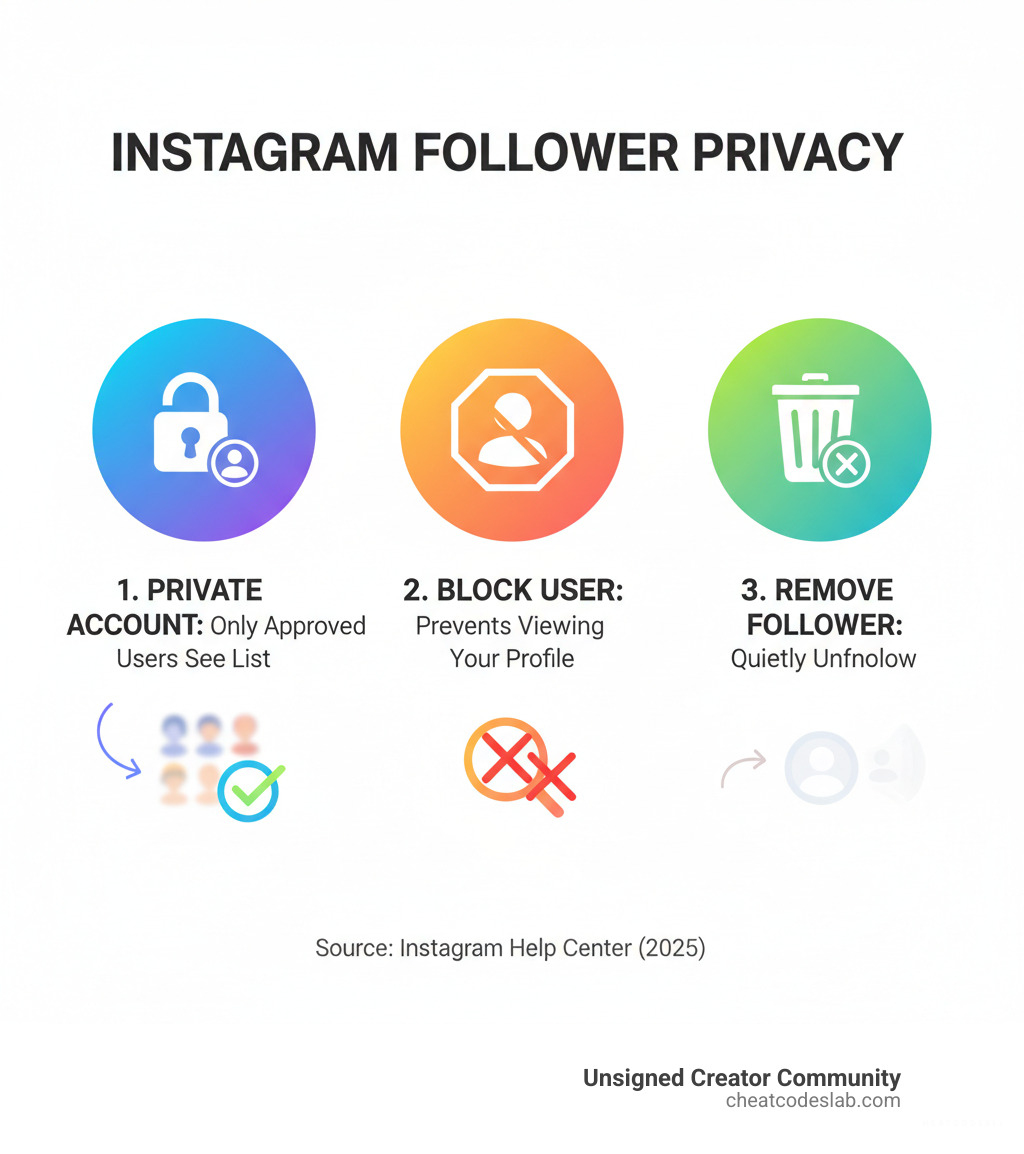
Basic how to hide followers on instagram vocab:
Your Step-by-Step Guide on How to Hide Followers on Instagram
While there isn’t a single “hide all followers” button, Instagram provides robust tools to control who sees your connections. Here are the most effective methods to achieve the privacy you want.
Method 1: Go Private to Hide Your Follower List from the Public
The most effective way to hide your followers is by making your account private. This is Instagram’s main privacy setting.
Here’s how to make your account private:
- Open Instagram and go to your profile.
- Tap the three horizontal lines in the top right to open the menu.
- Select ‘Settings and privacy’.
- Scroll to and tap on ‘Account privacy’.
- Toggle the ‘Private Account’ switch on and confirm.
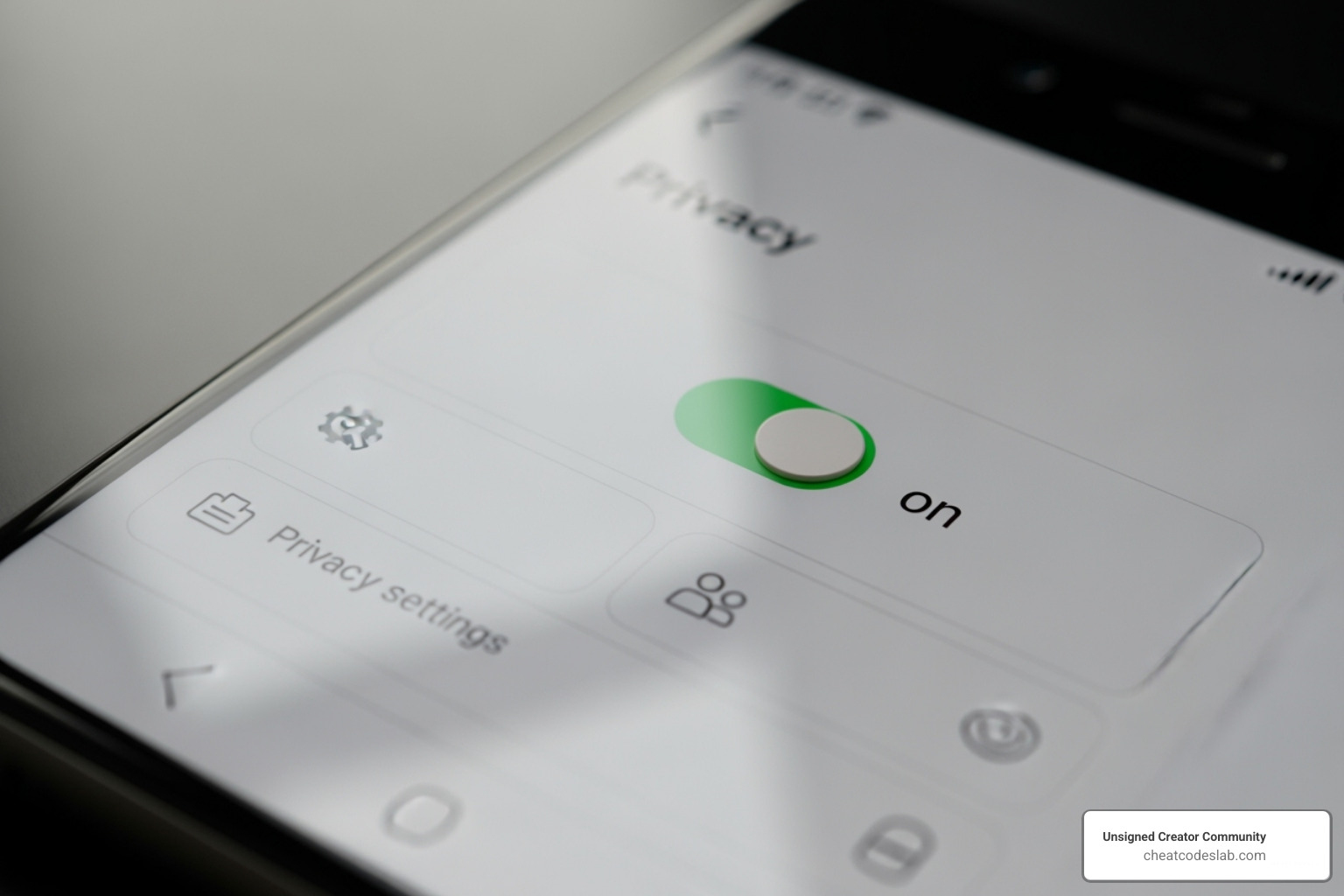
Once private:
- Follower Visibility: Only approved followers can see your posts, stories, and your lists of followers and who you follow. Non-followers only see your follower count, not the names.
- Follower Requests: You must approve all new follow requests, giving you full control over your audience.
- Content Visibility: All your content becomes visible only to approved followers.
- Implications for Creators: A private account is great for personal privacy but limits growth for creators and businesses. Your content won’t appear on Explore pages or in public searches for non-followers, hindering findability. Business accounts cannot be made private; you must switch to a personal account first.
For more detailed insights into Instagram’s features, explore our More info about Instagram Features. We also recommend reviewing Read Instagram’s official privacy policy.
Method 2: How to Hide Followers on Instagram from Specific Individuals
If you don’t want to go fully private, you can hide your followers from specific people using Instagram’s Block, Remove, or Restrict features.
Blocking Users
Blocking is the most definitive way to prevent someone from seeing your follower list and profile.
How to block a user:
- Go to the user’s profile.
- Tap the three dots in the top right corner.
- Select ‘Block’ and confirm. You can also block any new accounts they create.
A blocked user cannot find your profile, see your posts, or view your follower/following lists. They are not notified of the block.
Removing Followers (for Private Accounts)
For private accounts, you can remove followers without blocking them. This is a more discreet option.
How to remove a follower:
- Go to your profile and tap your ‘Followers’ count.
- Find the user you want to remove.
- Tap the ‘Remove’ button next to their name and confirm.
Once removed, the user can no longer see your posts, stories, or follower lists. They are not notified and would need to send a new follow request to see your content again.
The ‘Restrict’ Feature
Restricting a user is a softer approach that limits their interactions without their knowledge.
How to restrict a user:
- Go to the user’s profile.
- Tap the three dots and select ‘Restrict’.
When you restrict someone, their comments on your posts are hidden by default, and their direct messages go to your Message Requests folder. They also can’t see your online activity status. While this doesn’t hide your follower list on a public account, it limits unwanted interactions.
These methods give you nuanced control over your audience. To learn more about managing your connections, check out our Learn more about managing Instagram Followers guide.
Weighing the Pros and Cons of Hiding Your Followers
Deciding to hide your followers involves balancing privacy with visibility. Here are the key advantages and disadvantages to consider.
Pros of Hiding Your Instagram Followers:
- Improved Privacy: Control who sees your social network, reducing unwanted attention or stalking.
- Less Social Pressure: Reduce the pressure to compete based on follower counts and focus on authentic connection.
- Audience Control: For private accounts, you can curate a more intimate community by approving each follower.
- Professional Boundaries: Keep your personal and professional networks separate.
Cons of Hiding Your Instagram Followers:
- Reduced Reach: A private account limits findability, as your content won’t appear on the Explore page or in hashtag searches for non-followers.
- Lower Engagement: Fewer eyes on your content can lead to lower engagement rates and slower organic growth.
- Barrier for New Followers: The extra step of sending a follow request can deter some potential followers.
- Hinders Growth for Creators: Public visibility is often crucial for creators and businesses to attract collaborations and grow their brand.
| Pros of Hiding Followers | Cons of Hiding Followers |
|---|---|
| Improved Privacy & Security | Reduced Reach & Findability |
| Less Social Pressure & Comparison | Lower Engagement Rates |
| Greater Control Over Audience | Barrier for New Follower Acquisition |
| Maintained Personal/Professional Boundaries | Hinders Growth for Public Brands/Creators |
| Focus on Quality Interactions | Potential for Stagnant Audience |
The decision on how to hide followers on instagram depends on your goals. If privacy is your priority, a private account is best. If growth is the goal, a public profile with selective blocking/removing is a better strategy.
To optimize your Instagram presence while managing privacy, explore our Explore AI Tools for Instagram.
Beyond the Basics: Advanced Privacy and Future Features
Understanding Instagram’s privacy nuances can help you stay in control. Here are some advanced scenarios and a look at what’s next.
Why Can’t I See Someone Else’s Follower List?
If you can’t see someone’s follower list, it’s usually by design. Here are the common reasons:
- The account is private: Only approved followers can see the follower list. If you’re not a follower, you’ll only see the count.
- You have been blocked: A blocked user cannot see the profile at all, including follower lists.
- You were removed as a follower: On a private account, the owner can remove you without notification, revoking your access.
- The account is deactivated or suspended: Inactive or suspended accounts have their information hidden.
- A temporary Instagram glitch: Sometimes, it’s just a technical issue. Try refreshing the app before drawing conclusions.
Can You Also Hide Your ‘Following’ List?
Yes, the same methods for hiding your followers also apply to your ‘following’ list.
When you make your account private, both your follower and following lists are hidden from non-followers. Similarly, blocking a user or removing them from a private account prevents them from seeing who you follow. Instagram bundles these settings together, so there’s no separate toggle just for the ‘following’ list.
For creators balancing privacy and growth, check out our guide on Get tips on creating engaging Instagram Reels for Beginners to learn how privacy settings interact with content strategy.
The Future of Follower Privacy and Final Takeaways
Instagram is reportedly testing features that would allow public accounts to hide their follower lists, though this isn’t widely available. This shows a trend toward more granular privacy controls.
For now, your best strategies are:
- Go private for total protection.
- Block users for targeted privacy.
- Remove followers to quietly curate your audience on a private account.
Taking control of your Instagram privacy is about being intentional with your digital footprint. At CheatCodesLab, we provide certified AI tools and strategies to help creators build secure communities while achieving their growth goals.
Ready to lift your entire Instagram strategy? Dive into our comprehensive guide: Master your content strategy with these Best Practices for Instagram Reels.


About the author

How to Archive Posts on Instagram in 4 Easy Steps
Master archiving on Instagram in 4 easy steps to organize your profile and protect your content.

Beginner’s Guide to 10k free instagram followers app
Discover how a 10k free instagram followers app works, its risks, and safe organic growth strategies for real engagement in 2026.
Beginner’s Guide to Best Instagram Report App
Discover the best Instagram report app for real-time analytics, automated reports, and data-driven decisions in 2026.
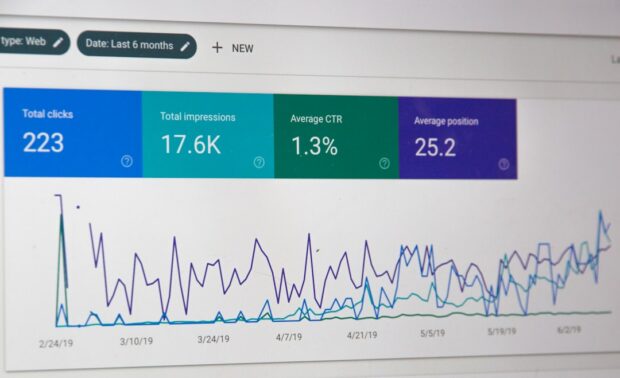
How to Master Advanced SEO Search Techniques in 7 Steps
Master advanced search techniques in SEO with 7 proven steps to boost rankings, technical audits, and organic traffic.

Cheat Sheet to the Best Business Apps
Discover the best business apps to streamline operations, boost productivity, and scale your business in 2026.

How to Get Instagram Followers Free APK in 5 Steps
Discover how instagram followers free apk 2026 download works and learn safe organic growth strategies instead of risky third-party tools.
Related

How to Add Swipe Up to Instagram Story Fast by Using Linktree
Learn how to add swipe up to Instagram Story fast using Linktree and link stickers without needing 10k followers.
Stop the Scroll with the Best Instagram Growth Service Reviews
Discover the Best Instagram growth service in 2026: organic, human-powered strategies, AI targeting, safety tips & reviews to boost followers fast.
Carousel App for Instagram: Which One Should You Choose?
Find the best carousel app for Instagram! Compare features, AI vs. manual, and customization to elevate your content strategy.

From Zero to Hero: Apps That Actually Boost Your Instagram Following
Discover the best app to boost Instagram followers! Learn how AI, analytics, and safe strategies can skyrocket your growth from zero to hero.

Fixing the Web, One Broken Link at a Time with Ahrefs
Boost SEO with expert ahrefs broken link building. Learn to find, vet, and earn high-quality backlinks using Ahrefs' powerful tools.

Unlock Thousands of Instagram Followers with bigtakip.com Your Secret Weapon
Explore bigtakip com followers & their risks. Discover why organic growth builds real, lasting Instagram success. Choose wisely.
