

The Best Carousel App for Instagram Right Now
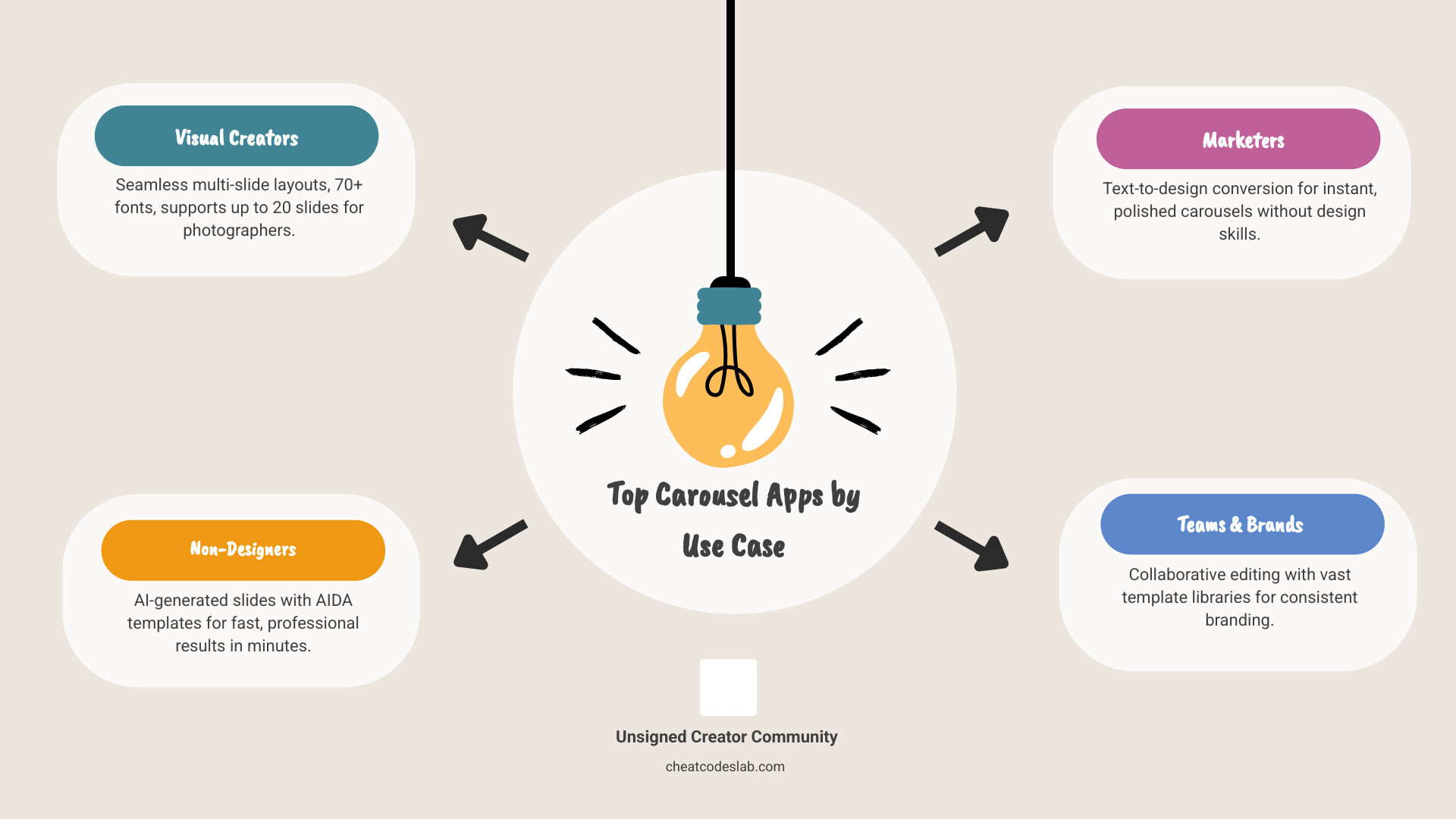
A carousel app for Instagram lets you create multi-slide posts that are polished, on-brand, and ready to share — without needing a graphic design degree. Here are the top options to consider:
| App | Best For | Key Strength |
|---|---|---|
| SCRL | Photographers & visual creators | Seamless carousels, 70+ fonts, up to 20 slides |
| Carousel: AI Posts for Insta | Non-designers who want speed | AI-generated slides using AIDA templates |
| InstaCarousel | Marketers & content writers | Paste text, get designed slides instantly |
| Canva | Teams & brands | Collaborative editing, huge template library |
Creating a great Instagram carousel used to mean hours in Photoshop or settling for a bland grid. Not anymore.
Today, dedicated carousel apps handle the heavy lifting — from layout and typography to slide transitions and aspect ratios. Whether you want full creative control or just need a polished post in under five minutes, there’s an app built for exactly that.
The challenge? There are a lot of options. Some are designed for hands-on creators who want pixel-level control. Others use AI to turn a block of text into a professional-looking carousel in seconds. And a few fall short on reliability when it matters most.
This guide breaks down what each type of app does well, where they fall short, and which one fits your workflow.
I’m digitaljeff — over the last two decades I’ve helped some of the world’s top personal brands scale their content across social platforms, generating over a billion views in the past year alone, and the carousel app for Instagram space is one of the most game-changing areas I’ve seen for creator growth. Let’s get into it.
Carousel app for instagram vocab explained:
Top Features to Look for in a Carousel App for Instagram
When you are hunting for the perfect carousel app for Instagram, it is easy to get distracted by flashy filters. However, the real “meat” of a great app lies in how it handles the structural elements of a multi-slide post. Carousels are unique because they rely on the “swipe” action. If your transition is clunky or your images are cut off, the magic is lost.
The best tools offer a combination of content organization and design flexibility. You want an app that understands the nuances of the platform – things like the 4:5 portrait ratio (which takes up the most screen real estate) and the ability to preview how one slide “bleeds” into the next.
Manual Design vs. AI-Powered Carousel App for Instagram Tools
The market is currently split into two camps: the “Designers” and the “Automators.”
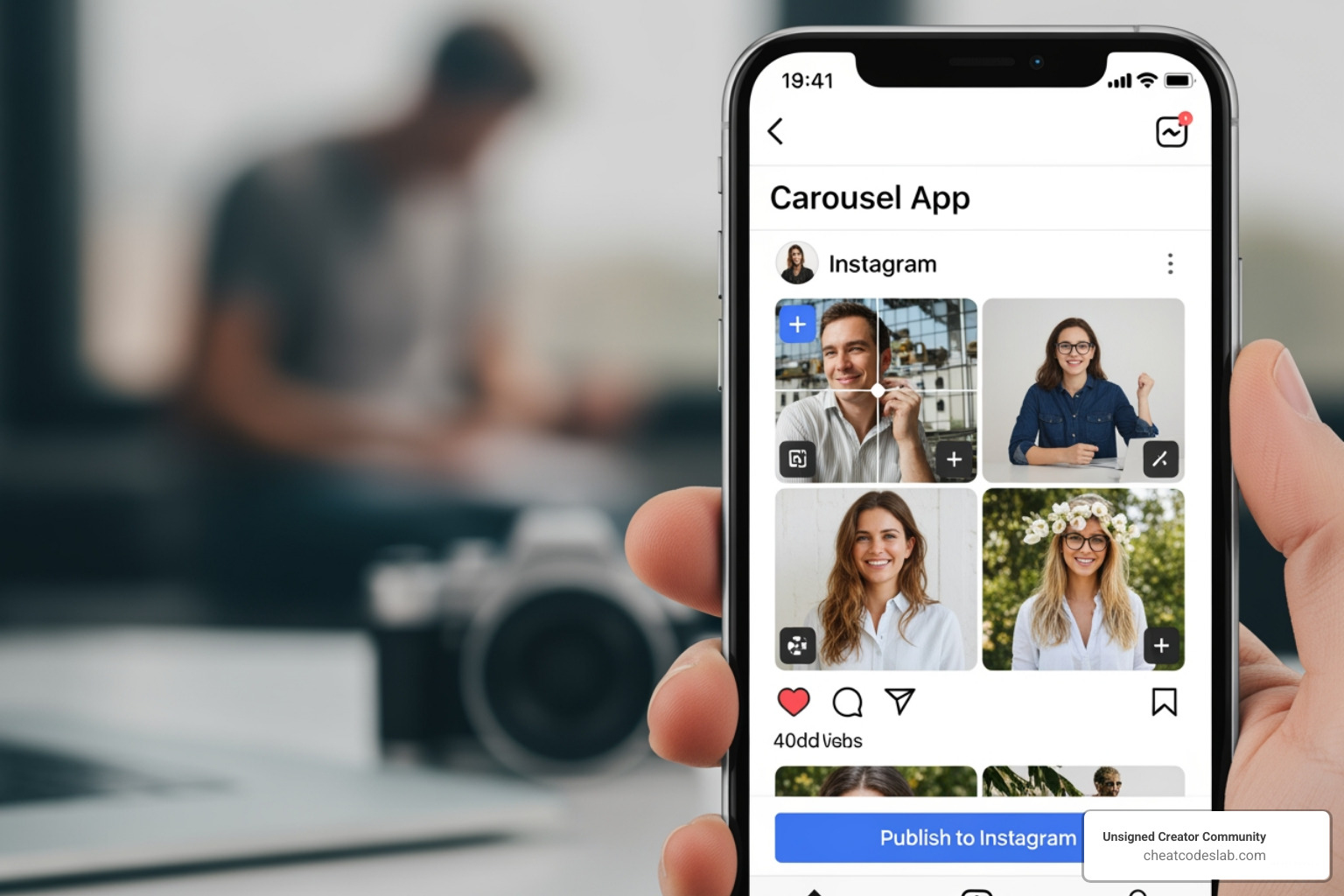
Manual Design Apps (e.g., SCRL) These apps offer a freeform canvas. Think of it like a long digital table where you lay out all your photos. You can overlap images across the “seam” of two slides so that when a user swipes, the photo appears to continue seamlessly. This is a favorite for photographers and visual artists who want total control over every pixel.
AI-Powered Tools (e.g., Carousel: AI Posts for Insta, InstaCarousel) These tools are built for speed and strategy. Instead of moving boxes around a screen, you provide the raw ingredients – brand colors, a topic, or a block of text. The AI then uses algorithms to analyze your content and generate a structured carousel. Many of these apps utilize the AIDA technique) (Attention, Interest, Desire, Action), ensuring your slides aren’t just pretty, but are actually designed to convert followers into customers.
| Feature | Manual Design (SCRL) | AI-Powered (InstaCarousel) |
|---|---|---|
| Workflow | Drag-and-drop, creative layering | Text-to-design, automated layouts |
| Control | High (Every element is movable) | Moderate (AI suggests, you tweak) |
| Speed | Slower (Requires artistic input) | Fast (Ready in seconds) |
| Best For | Portfolios, Mood boards | Educational content, Quick tips |
For more insights on how these tools fit into the broader ecosystem, check out our guide on instagram features.
Customization and Creative Assets for Creators
A carousel app for Instagram is only as good as its asset library. If you are using the same three templates as everyone else, your feed will start to look “samey.” Leading apps like SCRL provide over 70+ unique fonts and hundreds of hand-picked templates to prevent this.
Key creative assets to look for include:
- Stickers and Overlays: These add texture and personality to your posts.
- Video Grids: The ability to mix static photos with moving video clips within the same carousel slide.
- Background Removal: A must-have for product-based businesses looking to create professional “cut-out” looks.
- Gradient Backgrounds: These help maintain visual flow as the user swipes through multiple slides.
Overcoming Common Design Challenges
If you have ever tried to make a carousel manually, you know the pain of the “cutoff.” You upload a beautiful photo, and Instagram’s crop tool slices it right through someone’s face. Specialized apps solve this by providing fixed aspect ratios.
Whether you need a classic 1:1 square or the high-engagement 4:5 portrait, these apps ensure your content is framed perfectly. Furthermore, apps like SCRL allow you to bypass Instagram’s native 10-photo limit by creating “long-form” carousels or stories that can span up to 20 slides. This is perfect for deep-dive tutorials or extensive travel recaps. If you’re looking for something more focused on layout, you might want to see what makes the best instagram collage app stand out.
Choosing the Right App for Your Content Strategy
Your choice of a carousel app for Instagram should align with your goals. Are you trying to sell a product, tell a story, or simply share a weekend dump?
Identifying the Best Carousel App for Instagram for Your Needs
- Professional Photographers: You need an app like SCRL. The 4.7-star rating from pro creators isn’t an accident. It allows you to showcase high-resolution images in a seamless, panoramic format that feels like a digital gallery.
- Social Media Managers: Efficiency is your top priority. AI-powered tools or Canva are your best bets. They allow for collaborative editing and rapid-fire content production.
- Casual Users: If you just want to make your holiday photos look “aesthetic,” look for apps with one-time purchase templates. You can pay for a set you love without being tied to a monthly subscription.
- Brands and Businesses: Focus on apps that offer brand color integration and AIDA-based templates. Your carousels need to look professional and lead the viewer toward a specific call to action (CTA).
Limitations and Comparison to General Design Tools
While specialized apps are great, they aren’t perfect. User reviews for several popular carousel makers mention occasional app crashes and data loss. There is nothing more frustrating than spending three hours on a 10-slide project only for it to vanish.
This is where broader tools like Canva have an edge. Canva offers a more stable environment and better cloud saving, but it lacks the “seamless swipe” preview that dedicated apps provide. Specialized tools are often better at the “panorama” effect, while general tools are better for team collaboration and multi-platform resizing.
If you find yourself struggling with the limitations of a single photo, you can learn more about beyond one mastering multi-photo instagram stories to expand your storytelling capabilities.
Conclusion: Elevate Your Feed with CheatCodesLab
Choosing the right carousel app for Instagram is about balancing your creative vision with the time you actually have to spend on design. Whether you go for the AI-driven speed of InstaCarousel or the manual precision of SCRL, the goal is the same: stop the scroll and engage your audience.
At CheatCodesLab, we specialize in providing certified AI tools and “cheat codes” for content marketing and SEO. We know that the creator economy moves fast, and having the right toolkit is the difference between blending in and standing out. By leveraging specialized apps and AI solutions, you can create high-performing content that drives real results.
Ready to take your social media strategy to the next level? Check out our Instagram features guide for more tips on mastering the algorithm and growing your community.


About the author

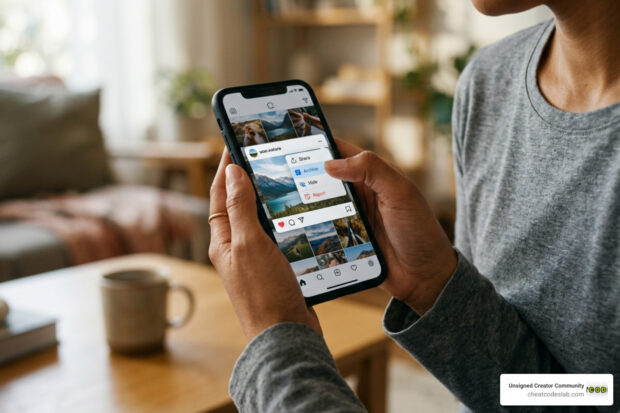
How to Archive Posts on Instagram in 4 Easy Steps
Master archiving on Instagram in 4 easy steps to organize your profile and protect your content.

Beginner’s Guide to 10k free instagram followers app
Discover how a 10k free instagram followers app works, its risks, and safe organic growth strategies for real engagement in 2026.

Beginner’s Guide to Best Instagram Report App
Discover the best Instagram report app for real-time analytics, automated reports, and data-driven decisions in 2026.
How to Master Advanced SEO Search Techniques in 7 Steps
Master advanced search techniques in SEO with 7 proven steps to boost rankings, technical audits, and organic traffic.

Cheat Sheet to the Best Business Apps
Discover the best business apps to streamline operations, boost productivity, and scale your business in 2026.

How to Get Instagram Followers Free APK in 5 Steps
Discover how instagram followers free apk 2026 download works and learn safe organic growth strategies instead of risky third-party tools.
Related

How to Add Swipe Up to Instagram Story Fast by Using Linktree
Learn how to add swipe up to Instagram Story fast using Linktree and link stickers without needing 10k followers.

Stop the Scroll with the Best Instagram Growth Service Reviews
Discover the Best Instagram growth service in 2026: organic, human-powered strategies, AI targeting, safety tips & reviews to boost followers fast.

From Zero to Hero: Apps That Actually Boost Your Instagram Following
Discover the best app to boost Instagram followers! Learn how AI, analytics, and safe strategies can skyrocket your growth from zero to hero.

Fixing the Web, One Broken Link at a Time with Ahrefs
Boost SEO with expert ahrefs broken link building. Learn to find, vet, and earn high-quality backlinks using Ahrefs' powerful tools.

Unlock Thousands of Instagram Followers with bigtakip.com Your Secret Weapon
Explore bigtakip com followers & their risks. Discover why organic growth builds real, lasting Instagram success. Choose wisely.

Unleash Your Inner Content Creator with These AI Tools
Unleash creativity & boost productivity. Discover the best ai content creation tools to save time, cut costs, and enhance quality.
