

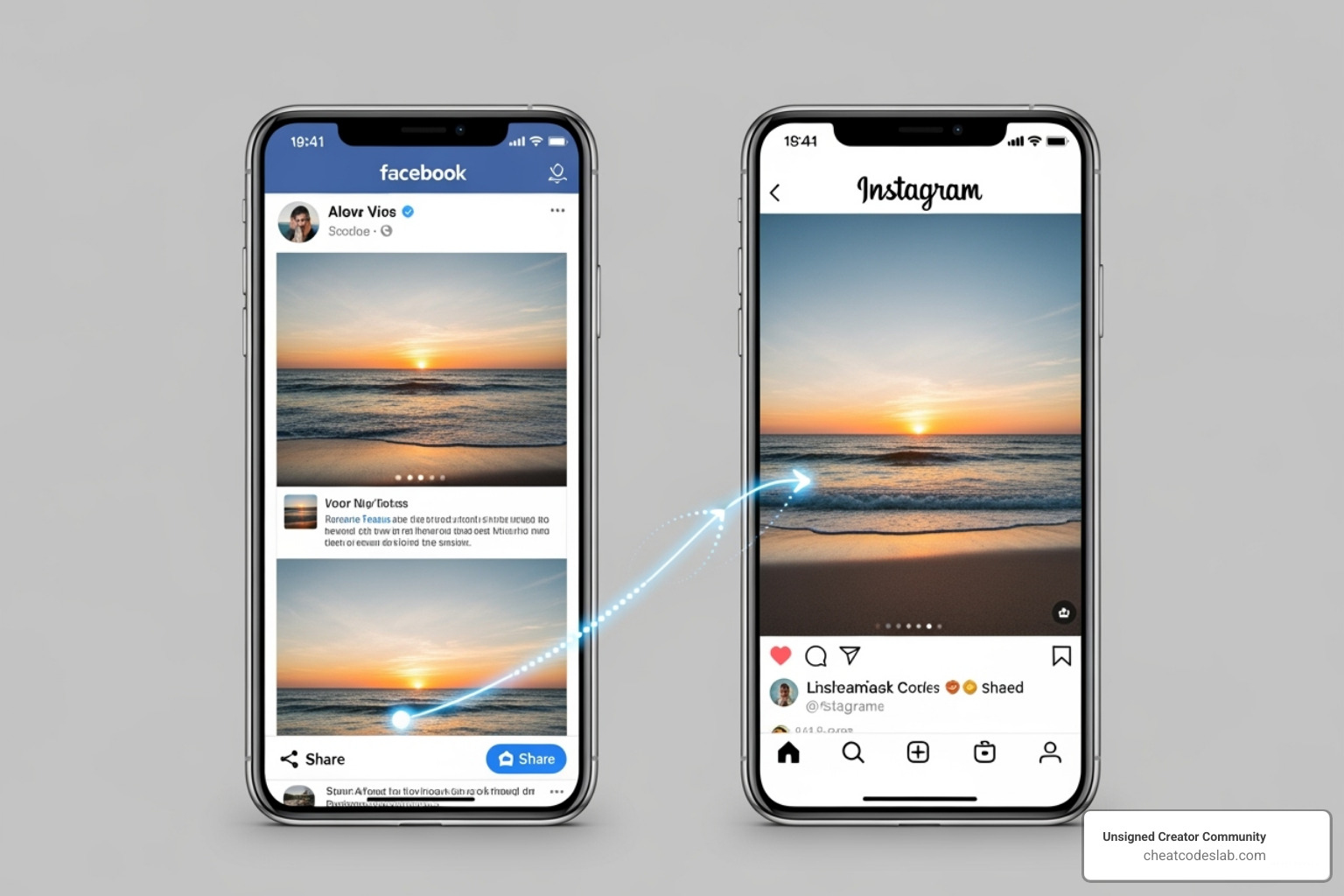
Cross posting from facebook to instagram: Easy in 2025
Streamlining Your Content: An Introduction to Cross-Posting
Cross posting from facebook to instagram lets you share content across both platforms at once, saving time and expanding your reach. Here’s a quick overview:
Key Requirements:
- A Facebook Page linked to an Instagram professional account.
- The Facebook mobile app (not available on desktop).
- Two-factor authentication must be disabled on Instagram.
- Posts must be a single image or video.
How It Works:
- Link your accounts in the Meta Accounts Center.
- Toggle “Share to Instagram” when creating a Facebook post.
- Publish immediately, as scheduling disables this feature.
- Edit captions on each platform for optimization after posting.
This native integration helps you find new followers and increase brand awareness without needing third-party tools. While it saves significant effort, it’s crucial to understand its limitations. You can only cross-post single image or video posts; text-only posts or multi-image carousels won’t work.
My experience with cross posting from facebook to instagram has shown that while this feature streamlines content distribution, success comes from understanding both its capabilities and limitations.
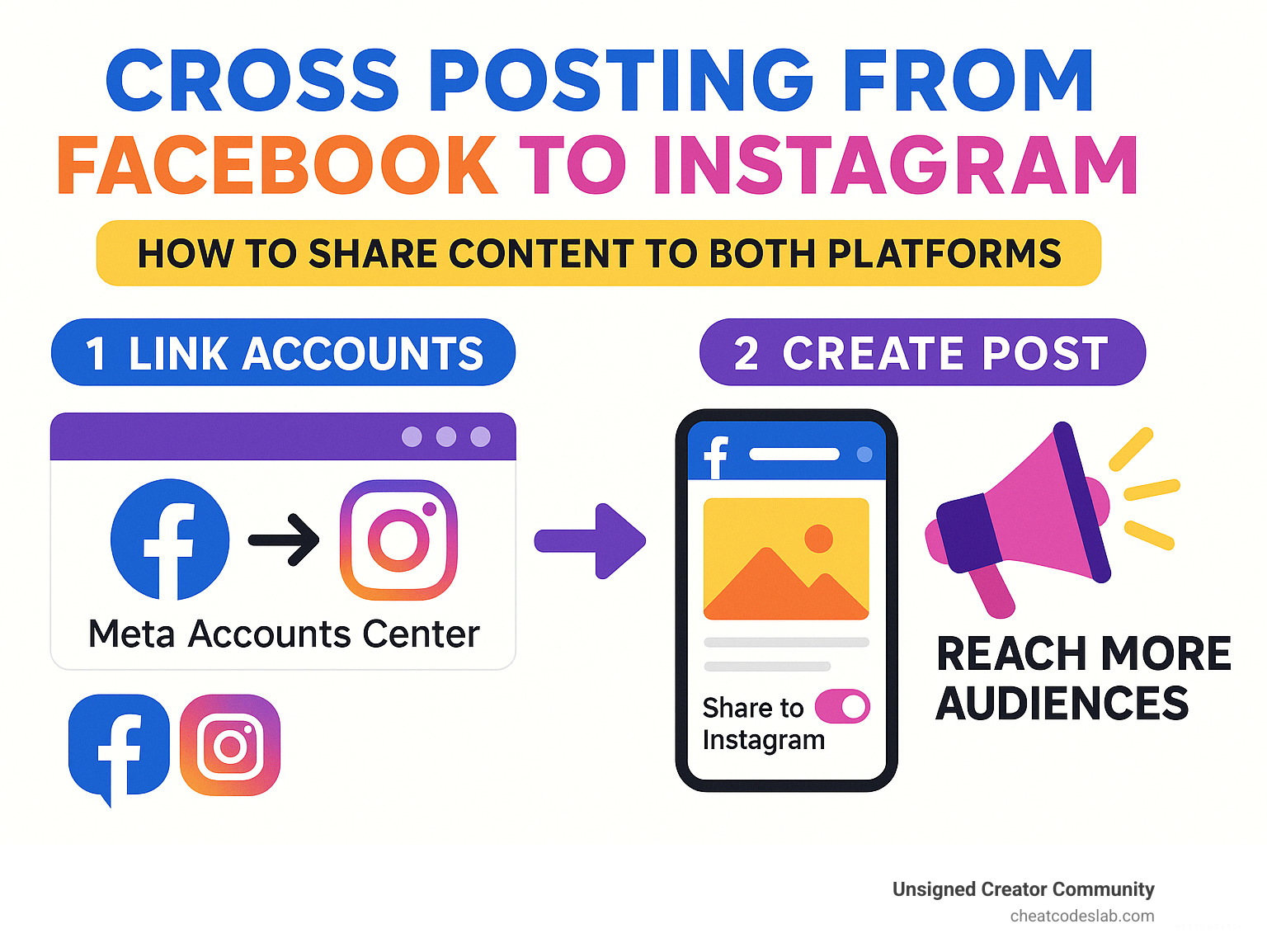
Cross posting from facebook to instagram terms to remember:
A Step-by-Step Guide to Cross-Posting from Facebook to Instagram
Ready to master cross posting from facebook to instagram? This guide will walk you through the process for maximum content efficiency.
Prerequisites: Linking Your Accounts
Before you can cross-post, you need to lay some groundwork. You’ll need a Facebook Page (not a personal profile) and an Instagram professional account (Business or Creator). If you have a personal Instagram account, you’ll need to switch it, which will make your profile public.
You must also be an admin of your Facebook Page to get the necessary permissions.
The connection hub is Meta’s Accounts Center. You can start the linking process from either your Facebook Page or Instagram settings. Meta provides guides for connecting a Facebook Page to an Instagram account and linking your Instagram account to Facebook. Once linked, you’ll see options for “Sharing across profiles.”
One critical limitation is two-factor authentication (2FA). If 2FA is enabled on your Instagram account, native cross-posting will not work. Meta explicitly warns that two-factor authentication will disable the Facebook cross-posting option. You’ll need to weigh the convenience against your security preferences.
How to Natively Cross-Post Photos and Videos
With your accounts linked, the process of cross posting from facebook to instagram is simple, but you must follow the rules. The feature is designed for single image or video posts and works primarily through the Facebook mobile app.
Here’s the step-by-step process:
- Open the Facebook app and steer to your Facebook Page.
- Tap the post creation area (“What’s on your mind?”).
- Select a single photo or video. Multi-image carousels will not work.
- Write your caption.
- Look for the Instagram sharing option (a toggle switch or icon) below your name.
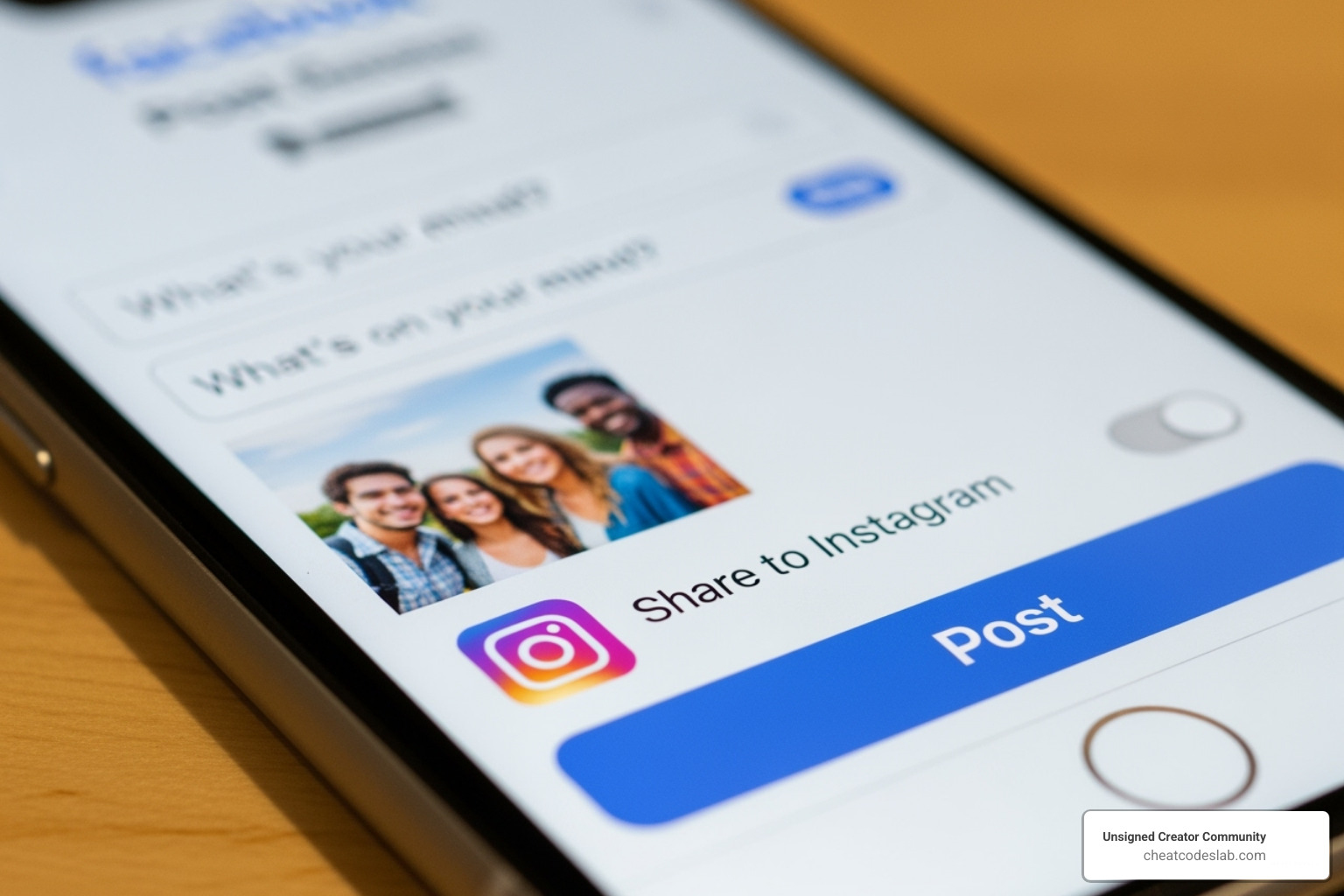
- Toggle the switch on.
- You must select “Post now.” The feature does not work with scheduled posts.
- Hit “Post” to publish simultaneously on your Facebook Page and Instagram profile.
Cross-Posting Stories and Reels from Facebook to Instagram
For Facebook Stories, you can enable an automatic sharing feature. While creating a Story, find the privacy options and toggle on “Always share to Instagram.” This will automatically push your Stories to both platforms.
Facebook Reels are trickier. The seamless toggle method used for posts isn’t consistently available for Reels. Cross-posting capabilities for video content can be inconsistent, and the feature is generally more robust when posting from Instagram to Facebook, especially for Reels.
Understanding the Limitations and Requirements for Cross-Posting from Facebook to Instagram
To avoid frustration, it’s important to know what works and what doesn’t with cross posting from facebook to instagram.
- What works: Single images, single videos, and Stories.
- What doesn’t work: Text-only posts, multiple videos, photo albums, and carousels.
You can only cross-post new content, not existing posts. The two-factor authentication requirement is a major hurdle, as it must be disabled on Instagram. Finally, scheduling is not supported; you must publish immediately. Always check how your content looks on both platforms, as content dimensions can differ.
Understanding the Limitations and Requirements for Cross-Posting from Facebook to Instagram
While cross posting from Facebook to Instagram is a powerful time-saver, the feature has specific rules and limitations you must follow for it to work.
Meta designed this feature with specific content types in mind, and Instagram is particularly selective. Here’s a breakdown of what won’t work:
- Text-only posts: Instagram is a visual platform, so any Facebook status without an image or video cannot be cross-posted.
- Multiple photos or videos: The feature is limited to single-media posts. Facebook albums, multi-image carousels, or posts with more than one video will not have the cross-posting option.
- Live videos: Facebook Live sessions cannot be simultaneously broadcast on Instagram via this feature.
- Reshares and certain creative tools: Sharing another page’s post or using some of Facebook’s advanced creative features will also disable the option.

From a security standpoint, the two-factor authentication requirement is a significant consideration. To use this feature, you must disable 2FA on your Instagram account. Warning: If you have two-factor authentication enabled on your Instagram account, you won’t be able to use the Facebook cross-posting option. This is a trade-off between convenience and security that you’ll need to evaluate for your brand.
Scheduling posts is another key limitation. The cross-posting function only works when you publish immediately. If you try to schedule a post for later, the Instagram sharing toggle will disappear. This can disrupt content calendars that rely on scheduling.
Finally, content dimensions matter. An image that looks great on Facebook might be awkwardly cropped on Instagram. It’s always a good practice to check your post on both platforms after publishing to ensure it displays correctly.
Understanding these boundaries is key to using cross posting from facebook to instagram effectively. Plan your content strategy around these rules to avoid any surprises.
Best Practices for Effective Cross-Posting
Mastering the mechanics of cross posting from facebook to instagram is the first step. Now, let’s focus on strategy to make your content resonate on both platforms.
Optimizing Captions and Hashtags for Each Platform
When you cross-post, your Facebook caption is sent to Instagram automatically. This is a time-saver, but a one-size-fits-all caption is a missed opportunity. Facebook users engage with longer text and clickable links, while Instagram is visual-first and doesn’t support links in captions.
The best practice is caption editing after you post. Immediately go to your new Instagram post and make these changes:
- Replace links: Change any URLs to a “Link in bio” call-to-action (CTA).
- Add hashtags: While optional on Facebook, Instagram hashtags are essential for findy. Add 5-10 relevant hashtags to your Instagram caption or as the first comment to keep the caption clean.
- Adjust CTAs: Tailor your call-to-action for each platform. A “Share this post” CTA works well on Facebook, while “Double-tap if you agree!” is more suited for Instagram.
Maximizing Engagement and Avoiding Common Pitfalls of Cross-Posting from Facebook to Instagram
While cross posting from facebook to instagram expands reach, it has potential pitfalls.
- Audience Differences: Your followers on each platform may have different expectations. Posting identical content everywhere can lead to content fatigue for fans who follow you on both.
- Engagement Metrics: Pay attention to your analytics. If a post performs well on one platform but not the other, it’s valuable data about audience preferences, not a failure.
- Reach Impact: Cross-posting increases eyeballs, but platform algorithms often favor native content. They may detect that a post wasn’t created specifically for their platform and limit its reach.
So, when should you post natively? For multi-image carousels, text-heavy updates, or posts using platform-specific features like Instagram Polls, creating separate native posts is better. Use cross-posting for strong, single-visual content that works well everywhere, but create unique content when it makes sense.
Managing Settings and Exploring Alternatives
The Meta Accounts Center is your control room for managing cross posting from facebook to instagram settings. Here, you can link/unlink accounts and adjust your managing preferences.
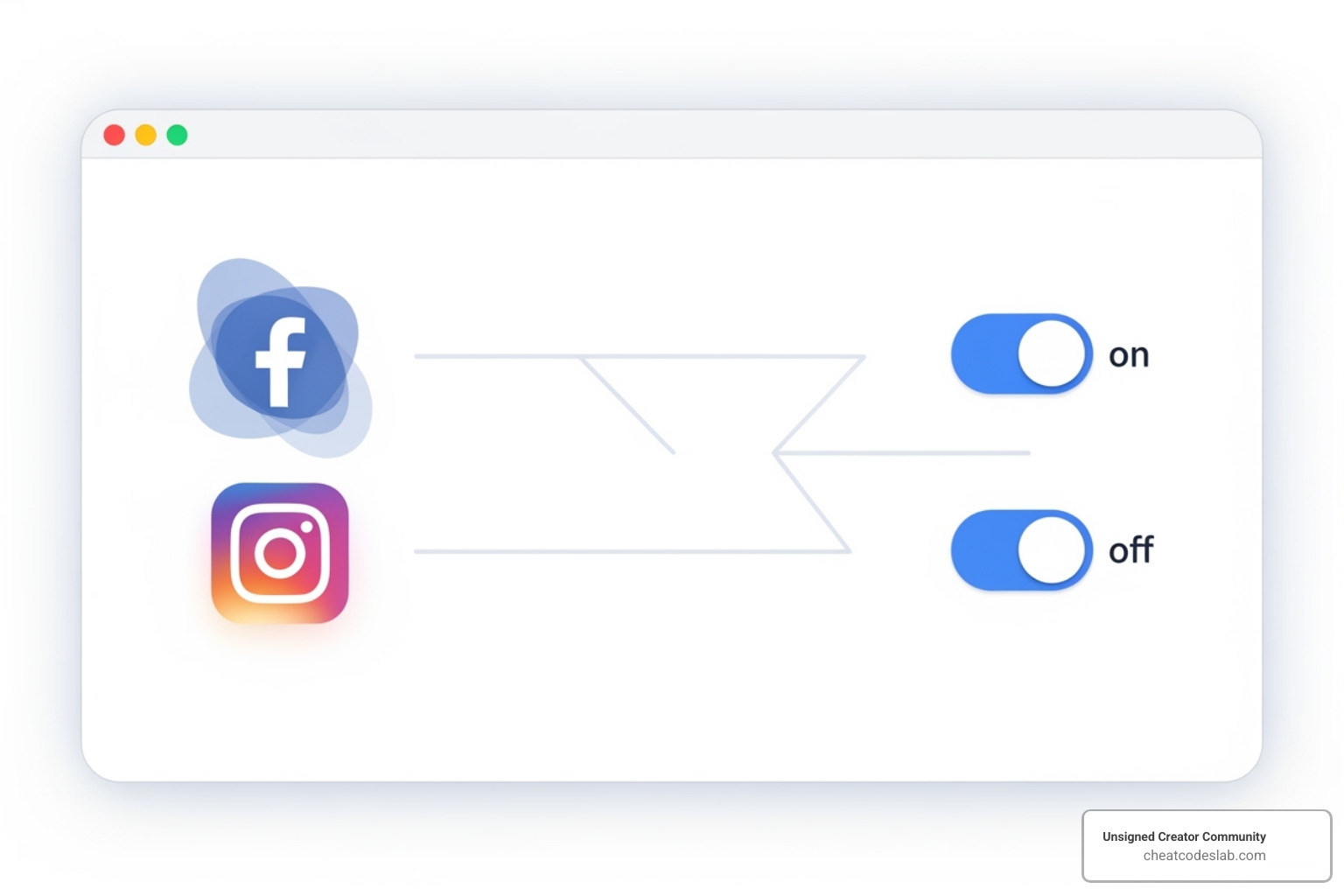
However, the native feature’s limitations—no content scheduling and the 2FA requirement—can be deal-breakers. This is where third-party scheduling tools become valuable. They offer more flexibility, support more content types, and allow you to plan your calendar in advance.
When comparing IG to FB cross-posting, the reverse direction (Instagram to Facebook) is more robust, easily handling Reels, Stories, and carousels.
Meta is constantly improving platform integration, so watch for future developments. For now, a hybrid approach works best: use native cross-posting for simple, powerful visuals and create platform-specific content for everything else.
Ready to take your content strategy to the next level? Find more creator apps and tools to improve your workflow.


About the author

How to Archive Posts on Instagram in 4 Easy Steps
Master archiving on Instagram in 4 easy steps to organize your profile and protect your content.

Beginner’s Guide to 10k free instagram followers app
Discover how a 10k free instagram followers app works, its risks, and safe organic growth strategies for real engagement in 2026.
Beginner’s Guide to Best Instagram Report App
Discover the best Instagram report app for real-time analytics, automated reports, and data-driven decisions in 2026.
How to Master Advanced SEO Search Techniques in 7 Steps
Master advanced search techniques in SEO with 7 proven steps to boost rankings, technical audits, and organic traffic.

Cheat Sheet to the Best Business Apps
Discover the best business apps to streamline operations, boost productivity, and scale your business in 2026.

How to Get Instagram Followers Free APK in 5 Steps
Discover how instagram followers free apk 2026 download works and learn safe organic growth strategies instead of risky third-party tools.
Related

How to Add Swipe Up to Instagram Story Fast by Using Linktree
Learn how to add swipe up to Instagram Story fast using Linktree and link stickers without needing 10k followers.

Stop the Scroll with the Best Instagram Growth Service Reviews
Discover the Best Instagram growth service in 2026: organic, human-powered strategies, AI targeting, safety tips & reviews to boost followers fast.

Carousel App for Instagram: Which One Should You Choose?
Find the best carousel app for Instagram! Compare features, AI vs. manual, and customization to elevate your content strategy.

From Zero to Hero: Apps That Actually Boost Your Instagram Following
Discover the best app to boost Instagram followers! Learn how AI, analytics, and safe strategies can skyrocket your growth from zero to hero.

Fixing the Web, One Broken Link at a Time with Ahrefs
Boost SEO with expert ahrefs broken link building. Learn to find, vet, and earn high-quality backlinks using Ahrefs' powerful tools.

Unlock Thousands of Instagram Followers with bigtakip.com Your Secret Weapon
Explore bigtakip com followers & their risks. Discover why organic growth builds real, lasting Instagram success. Choose wisely.
