



Automated Reporting Tools SEO: Boost 2025
Why You Need to Ditch Manual SEO Reporting
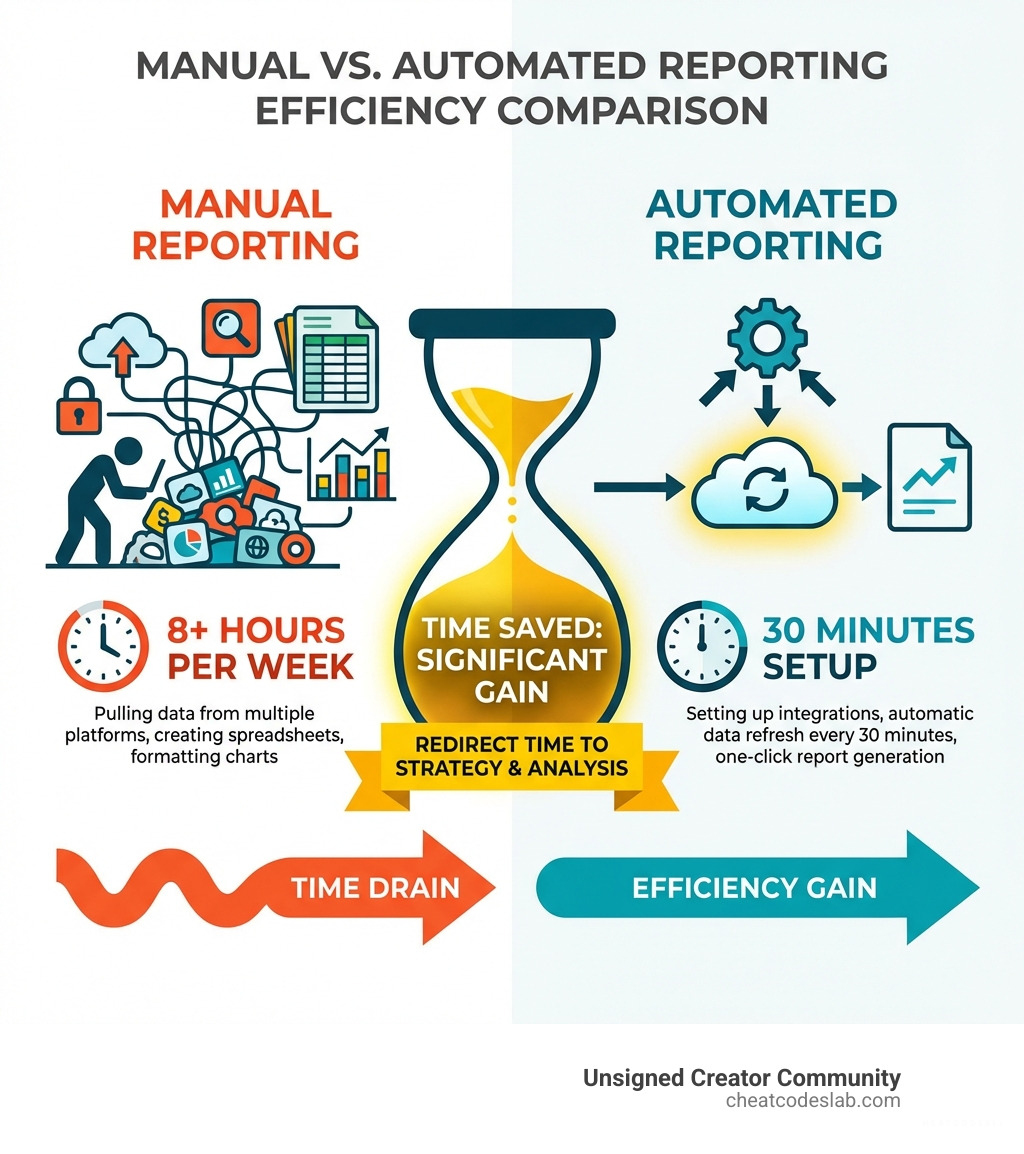
If you’ve ever lost a day to manually compiling SEO reports from Google Analytics, Search Console, and other platforms, you know the frustration. This tedious work steals time from actual SEO strategy. Automated reporting tools for SEO solve this by automatically collecting, compiling, and presenting data in easy-to-understand formats.
Here are the top solution categories for different needs:
| Tool Type | Best For | Key Capabilities |
|---|---|---|
| All-in-One Suites | Agencies managing multiple clients | Keyword tracking, backlinks, site audits, competitor analysis |
| Specialized Tools | White-label client reporting | Custom dashboards, automated delivery, brand customization |
| Free Tools | Budget-conscious teams | Google Analytics, Search Console, Data Studio integration |
These platforms connect to your data sources, saving agencies up to 100 hours per month. This reclaimed time allows you to focus on analyzing performance, improving rankings, and delivering actionable insights. Professionally designed, automated reports also improve client communication, help justify budgets, and clearly demonstrate ROI, strengthening trust and relationships.
I’m digitaljeff, and with 20 years of experience building brands, I’ve learned to rely on these approaches to show value. Let me walk you through how to choose and combine the best options available.
Related resources for automated reporting tools seo:
What are automated SEO reporting tools?
Automated SEO reporting tools are applications that streamline monitoring, analyzing, and presenting SEO performance data. They act as data assistants, collecting information from sources like Google Analytics, Search Console, and backlink monitors, then compiling it into coherent reports. This aggregation of Key Performance Indicators (KPIs) into one place provides clear insights without manual effort.
Manual vs. automated reporting
Manual reporting involves endless copy-pasting and spreadsheet wrangling. It’s time-consuming and prone to error. In contrast, automated reporting continuously pulls and refreshes data on a set schedule. This crucial shift transforms you from a data collector into a data analyst, freeing you to interpret trends and devise strategies instead of just compiling numbers.
Key Benefits of Automation
- Massive Time Savings: The most significant advantage is reclaiming hours spent on manual data pulling. Agencies report saving over 100 hours a month, time that can be reinvested into strategy, client relations, and campaign optimization.
- Improved Efficiency and Accuracy: Automation ensures consistent, error-free reporting, creating a single source of truth for your team. This allows for quicker adaptation to performance trends.
- Improved Client Communication: Professional, easy-to-understand reports build trust and transparency. Clear visualizations help justify budgets, keep clients engaged, and demonstrate the return on SEO investment (ROI).
- Focus on Data-Driven Strategy: By automating data collection, you can focus on what truly matters: analyzing performance, identifying opportunities, and crafting strategies that improve rankings and drive results. For deeper insights into leveraging AI for strategic growth, explore our guide on AI SEO Automation.
The Best Automated Reporting Tools for SEO
Choosing the right automated reporting tools seo can feel overwhelming, but we’ve broken down the main categories to help you find the perfect fit for your needs.
All-in-One SEO Suites with Reporting
For agencies and businesses looking for a comprehensive solution, all-in-one suites are invaluable. These tools combine multiple functionalities and integrate robust reporting features.
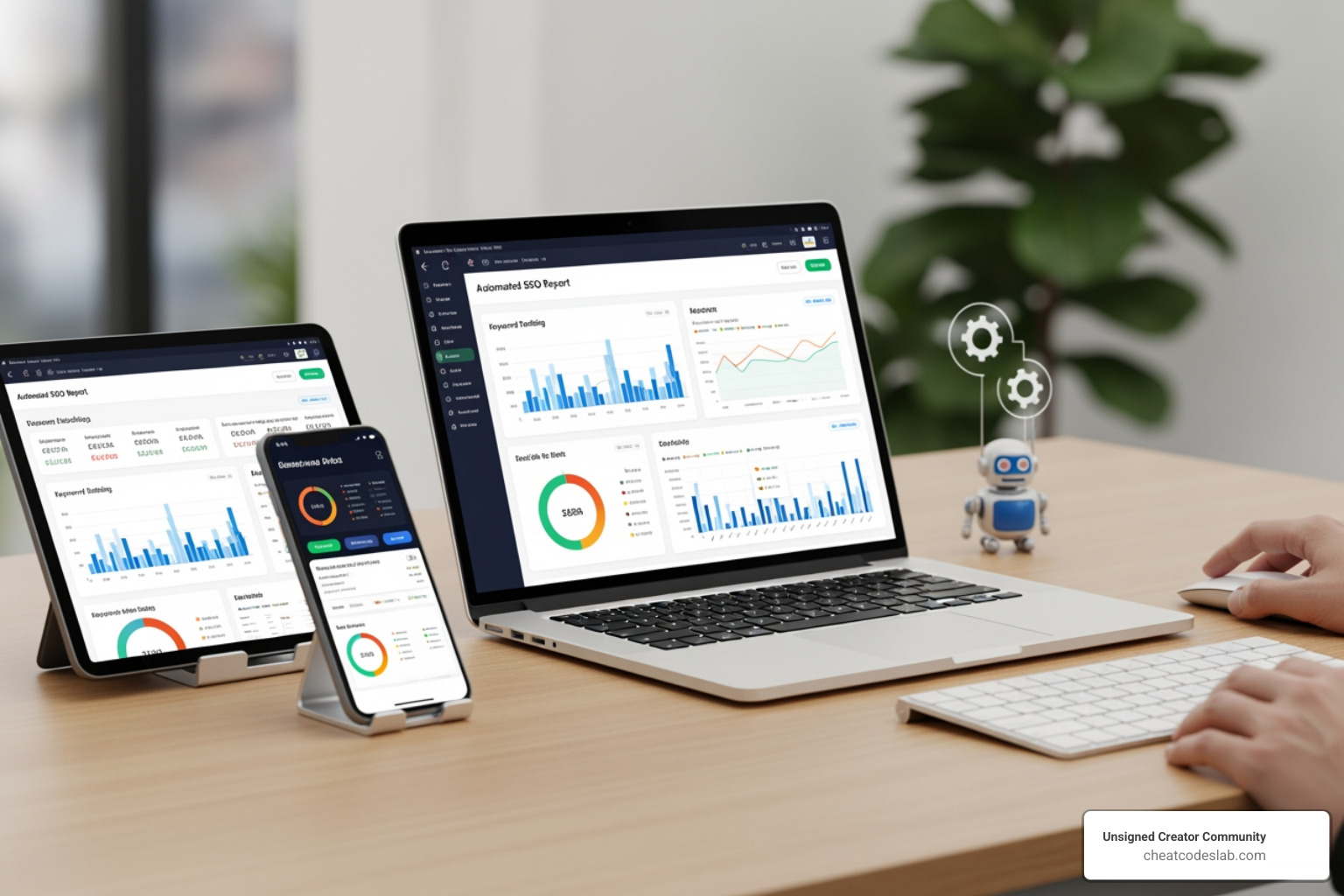
Modern all-in-one platforms typically include:
- Keyword rank tracking
- Website audits
- Competitor SEO analysis
- Backlink monitoring
- Drag-and-drop report editors for automated dashboards
A well-chosen suite becomes your central hub for data, letting you pull rankings, technical health, and link performance into one place. For more insights into powerful SEO tools, check out our Best SEO Tools guide.
Specialized & Local SEO Reporting Tools
These tools excel in specific niches, like client reporting or local SEO.
Specialized reporting platforms often focus on:
- Consolidating data from multiple platforms (Google properties, SEO tools, ads platforms)
- Providing preset templates and widgets for quick report creation
- White-labeling for branded reports and portals
- Visual, client-friendly dashboards and scheduled report delivery
For local SEO, dedicated solutions help you:
- Audit local search presence and Google Business Profile performance
- Track local rankings and map results over time
- Generate customizable local SEO reports custom to each location
Dive deeper into local SEO strategies with our Local SEO Techniques guide.
Essential Free Reporting & Analytics Tools
Google provides a suite of powerful, free tools that are fundamental for any SEO professional.

Google Analytics
Google Analytics (GA) is the bedrock of website performance tracking. It helps you understand user behavior, traffic sources, and conversions. It’s a must-have for any SEO report. For more on how AI can improve your analytics, check out our AI Tools for Analytics article.
Google Search Console
Google Search Console (GSC) is your direct line to Google, providing critical data on search queries, keyword performance, indexing status, and technical issues that impact visibility.
Google Data Studio (now Looker Studio)
Google Data Studio (now Looker Studio) is a free visualization tool for creating custom, interactive dashboards. It shines by integrating data from Google’s suite and third-party tools, turning raw data into compelling, shareable reports.
How to Choose and Maximize Your Reporting Toolkit
Navigating automated reporting tools seo is easier when you know what to look for. With the right approach, you can build a toolkit that saves time and amplifies your SEO impact.
What to Look for in Automated Reporting Tools for SEO
When choosing a tool, prioritize several key features. Ensure it has data integrations for all your sources (Google Analytics, Search Console, etc.). Look for robust customization and white-labeling options to tailor reports for clients. The tool must be scalable to grow with your agency and have an intuitive user interface (UI) to simplify complexity. Finally, strong automation capabilities, like scheduled delivery and AI-driven summaries, are essential for maximizing time savings.
| Feature | All-in-One Suites | Specialized Tools | Free Tools (Google) |
|---|---|---|---|
| Data Integrations | High (within suite) | High (across platforms) | Moderate (Google-centric) |
| Customization Options | Moderate to High | High | High |
| White-labeling | Often available | Standard | Not applicable |
| Scalability | Good | Excellent | Varies by usage |
| User Interface | Moderate to High | High | Moderate (can be complex) |
| Ease of Use | Moderate (learning curve) | High | Moderate (setup required) |
| AI-driven Insights | Emerging | Strong (in many modern tools) | Limited (manual analysis) |
Integrating Automated Reporting Tools for SEO into Your Workflow
The real magic happens when you integrate these tools into a seamless system. A common workflow involves:
- Technical Audit: Use a crawler to find site issues.
- Competitive & Keyword Analysis: Use an all-in-one suite for competitive benchmarking and rank tracking.
- Performance Tracking: Use Google Analytics to understand user behavior and conversions.
- Consolidated Reporting: Bring all KPIs into a specialized reporting environment or dashboard builder to create a single, branded client report.
This approach lets you spend more time on analysis and strategy. For more on optimizing content, see our Content Creation Workflow.
Key Performance Indicators (KPIs) for Automated SEO Reports:
Focus on metrics that demonstrate value, such as search engine rankings, organic traffic, conversion rates from organic search, backlink profile health, technical SEO status (e.g., crawl errors, page speed), and Google Search Console data like impressions and CTR.
The Future of Reporting: AI and Beyond
The landscape of automated reporting tools seo is constantly evolving, with Artificial Intelligence (AI) playing an increasingly significant role. We are moving beyond simple data aggregation toward more advanced capabilities.
Expect to see more AI-driven insights, where tools not only present data but also provide actionable recommendations and contextual summaries. Predictive analytics will forecast trends, allowing for proactive strategy adjustments. Reporting will become even more real-time, and data visualization will grow more intuitive and interactive.
This evolution empowers SEO professionals to focus on high-value strategic work. Our CheatCodesLab certified tools are at the forefront of these innovations. To stay ahead of the curve and find more innovative software solutions, we invite you to Explore more Software guides.


About the author


How to Archive Posts on Instagram in 4 Easy Steps
Master archiving on Instagram in 4 easy steps to organize your profile and protect your content.

Beginner’s Guide to 10k free instagram followers app
Discover how a 10k free instagram followers app works, its risks, and safe organic growth strategies for real engagement in 2026.

Beginner’s Guide to Best Instagram Report App
Discover the best Instagram report app for real-time analytics, automated reports, and data-driven decisions in 2026.
How to Master Advanced SEO Search Techniques in 7 Steps
Master advanced search techniques in SEO with 7 proven steps to boost rankings, technical audits, and organic traffic.

Cheat Sheet to the Best Business Apps
Discover the best business apps to streamline operations, boost productivity, and scale your business in 2026.

How to Get Instagram Followers Free APK in 5 Steps
Discover how instagram followers free apk 2026 download works and learn safe organic growth strategies instead of risky third-party tools.
Related
Beginner’s Guide to Best Instagram Report App
Discover the best Instagram report app for real-time analytics, automated reports, and data-driven decisions in 2026.
Cheat Sheet to the Best Business Apps
Discover the best business apps to streamline operations, boost productivity, and scale your business in 2026.

The Ultimate Guide to AI Generated SEO Content Tools
Master ai generated seo content with proven tools, Google guidelines, and GEO strategies that boost rankings and drive real results.

The Complete Guide to 1k Followers App
Discover how a 1k followers app can help you reach TikTok Live and boost Instagram growth fast with safe, organic strategies.

The Ultimate Guide to Best Local SEO Tools
Discover the best local seo tools to boost visibility, manage citations, and optimize your Google Business Profile in 2026.

Backlink Building Tool Survival Guide
Discover top backlink building tool strategies: Compare Ahrefs, Semrush, AI outreach like Linkee, free options, and penalty recovery tips for 2026 SEO success.
